Opt In for Feature Rollout
Alma Specto Starter, Alma Specto, and Alma Specto Preservation are being constantly worked on and updated. This means we often introduce new features and capabilities to the products.
However, sometimes these features are still in development when they are made available to the users, or can introduce changes to the look and feel of the products. This is why we let you choose which features you would like to try out and implement in Alma in your institution.
Enabling/Disabling New Features
To enable/disable new feature for Alma Specto, Alma Specto Starter, or Alma Specto Preservation, follow these simple steps:
-
Log into your institution's Alma.
-
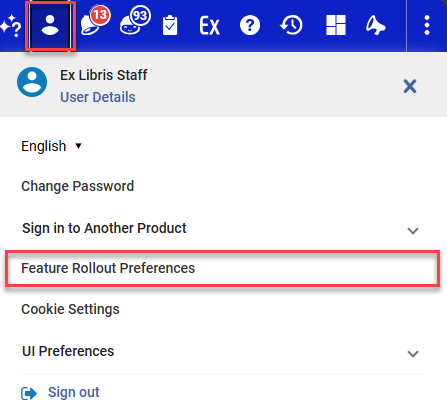
Select the Ex-Libris Staff option from the top menu.
-
Select the Feature Rollout Preferences from the drop down menu.
-
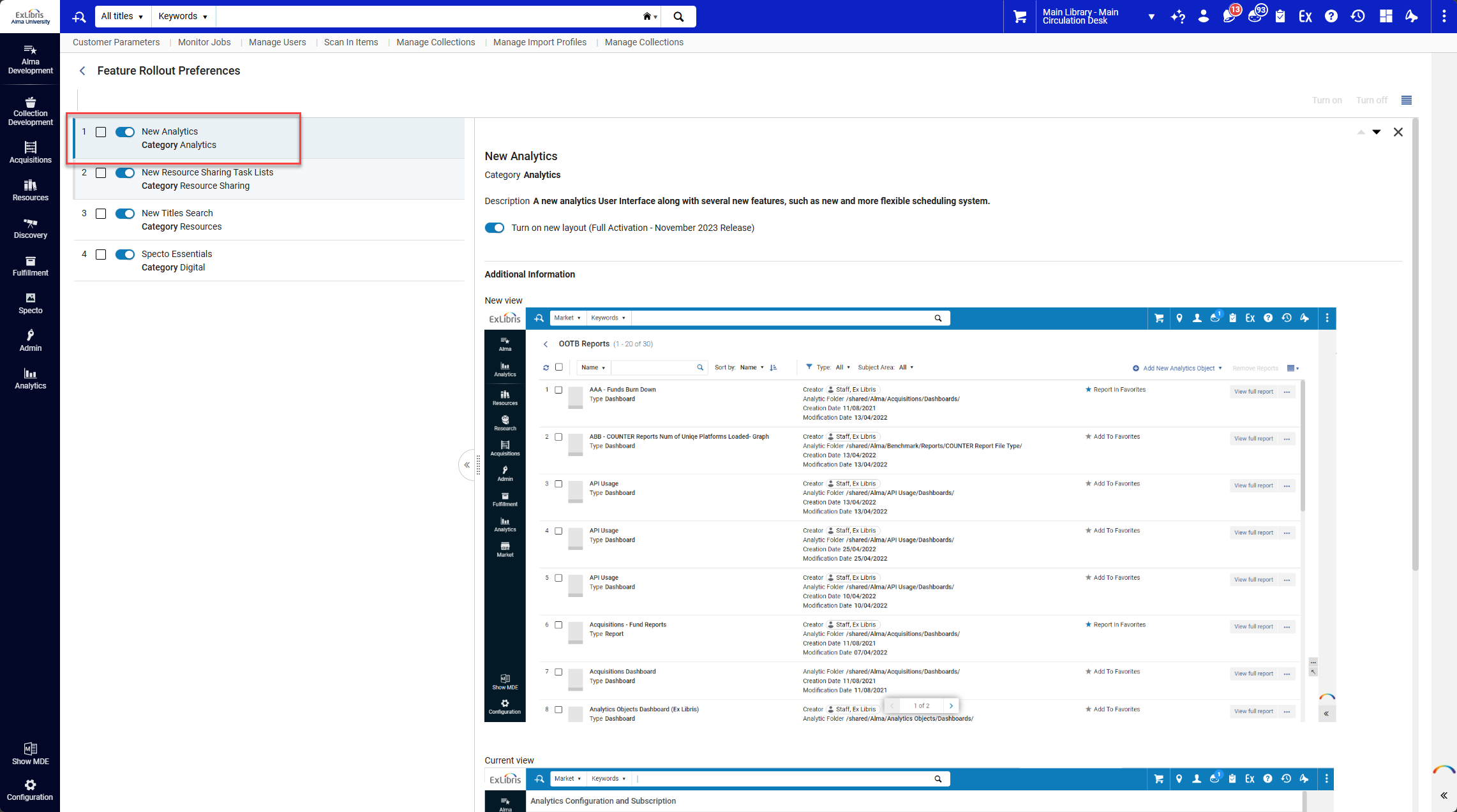
Select the toggle in front of the features you want to try out.
By selecting the name of the feature, you can preview it on the right side of the screen.
-
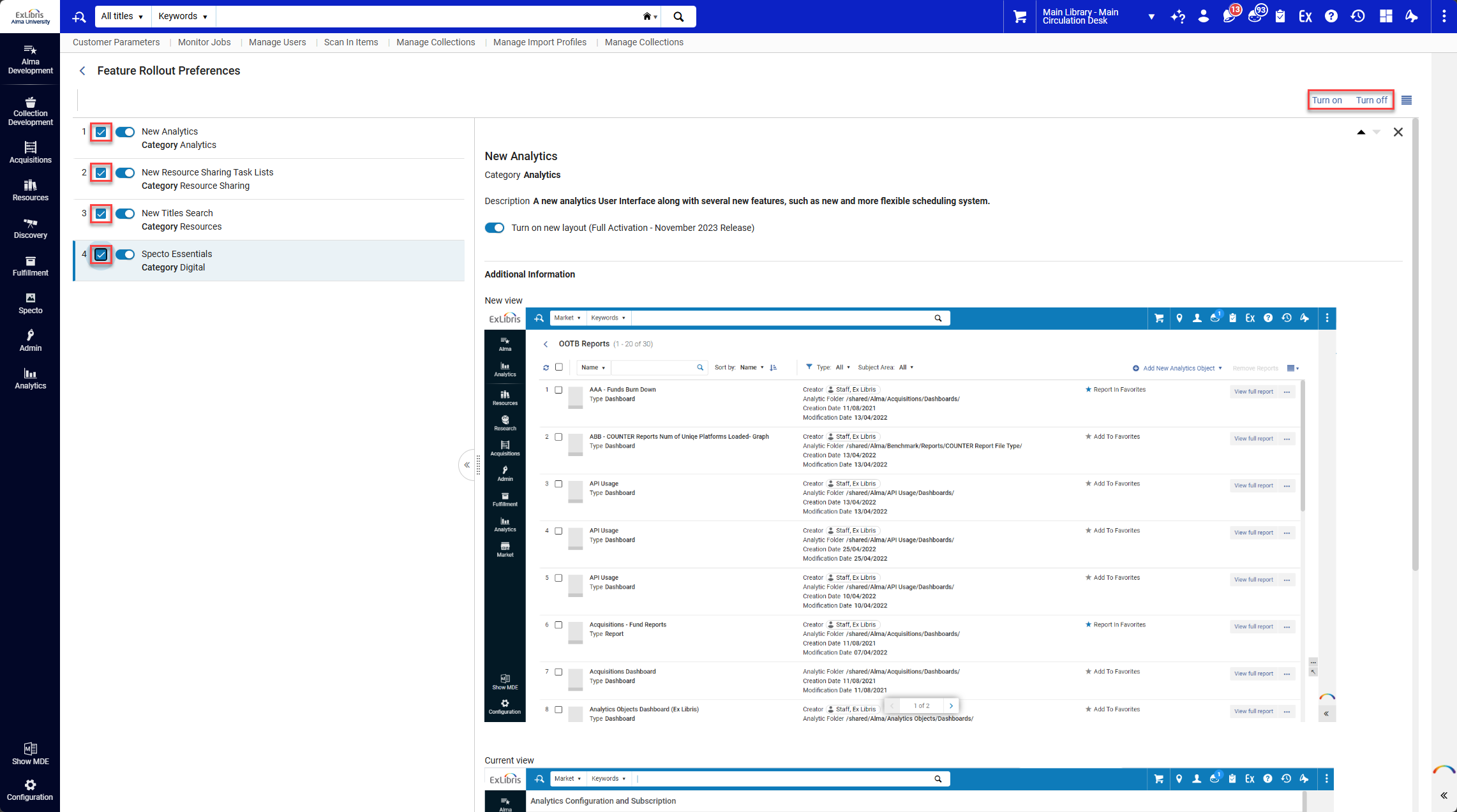
Enable/disable multiple features at once by selecting the checkbox in front of the feature name and selecting the Turn On/Turn Off option.