
Primo View It
Describes the View It tab and miscellaneous configurations used to display additional information in it.
Primo View It (which displays on the Full Display and Services pages) and during the discovery of local Alma records in Primo) allows users to access or view electronic resources:
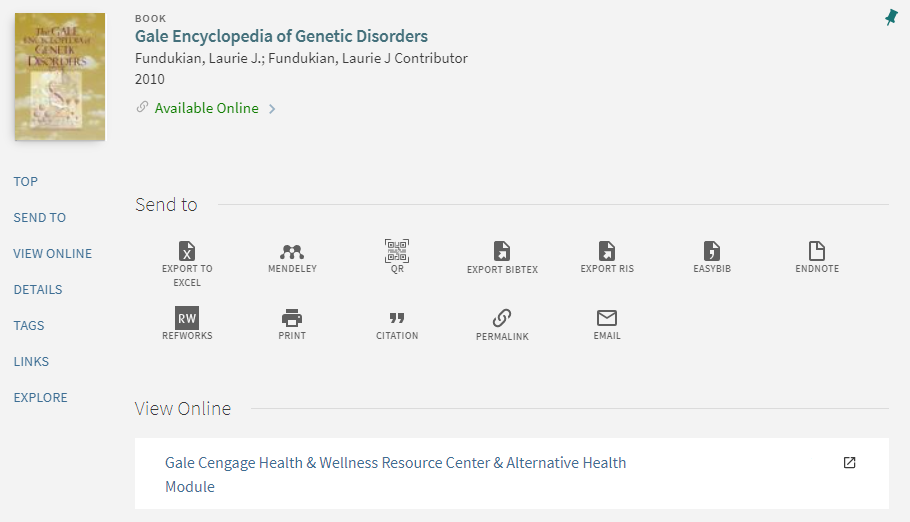
If configured, additional services may also display in the View It tab. For more information, see Adding a General Electronic Service.
- The View It service can be integrated with any third-party discovery system that is configured to use a SAML-based identity provider for both Alma and the discovery interface authentication. For detailed information, see https://developers.exlibrisgroup.com/alma/integrations/discovery.
- It is not recommended to perform searches on different tabs in your browser and request View It or Get It information from a tab in which the last search was not performed.
For more information on configuring the look and feel of the View It tab, see Branding the Delivery Tabs.
Displaying License Information
See ViewIt.
Page tags: article:topicproduct:almacontent:Documentationlang:englishDisplaying License Informationlicense information
