
Configuring Digital Storage
Overview and configuration instructions for generating an access key to Alma's external digital storage that is used for access to digital files.
- General System Administrator
You can generate digital storage access keys that you can provide to third-party applications, so that they can upload files to your upload storage area. Up to two keys can be generated. (For more information, see Digital Access Keys in the Ex Libris Developer Network.
- Open the Digital Storage page from Configuration Menu > Resources > General > Digital Storage. The following appears:
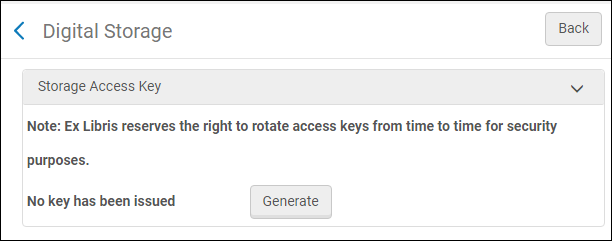
Digital Storage Access Key - Select Generate to generate a key. The following appears:
New Access Key
To deactivate and delete a key, select the key's check box and select Delete.
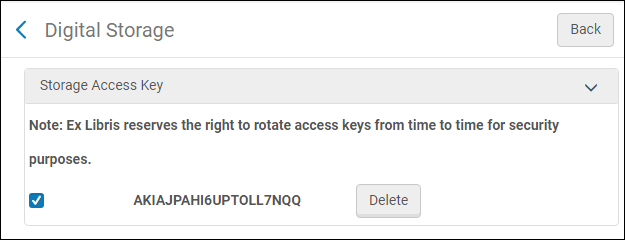
The key is deactivated and deleted.
Page tags: article:topicproduct:almacontent:Documentationlang:englishdigital storage access keydigital storage access
