Configuring Item Statistics Notes
- Catalog Manager
- Catalog Administrator
- Repository Manager
- Repository Administration
The customer parameter statistics_note_controlled must be set to true for statistics note configuration options and features to appear in Alma. See Configuring Other Settings (Resource Management) for more information.
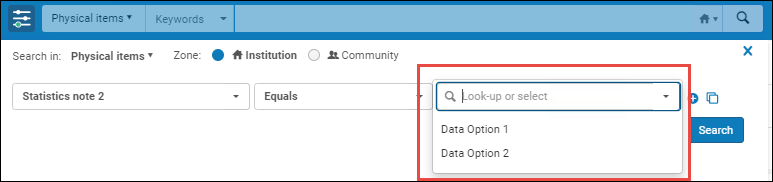
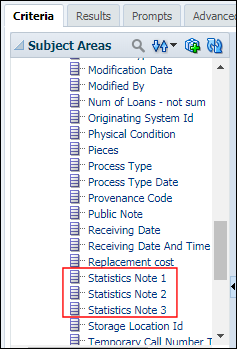
For physical items, you can configure three fields (called "Statistics note 1", "Statistics note 2", and "Statistics note 3") that can be used for custom analysis purposes using Alma Analytics.
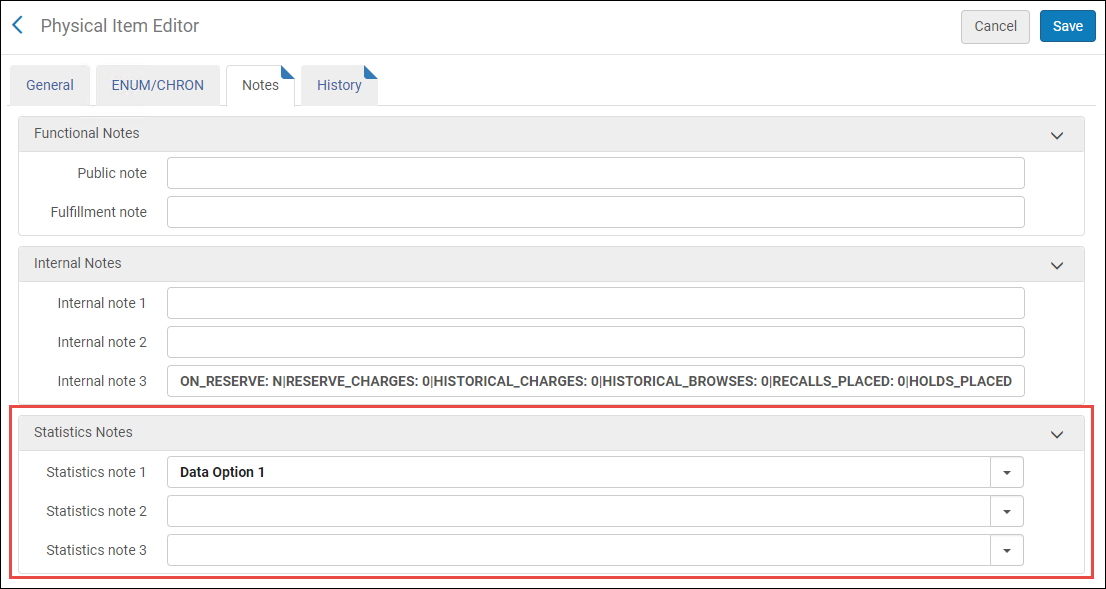
When configured, these three fields appear as drop-down lists on the Notes tab of the Physical Item Editor (see Statistics Notes in the Physical Item Editor Page - Notes Tab table in the Updating Item-Level Information section).
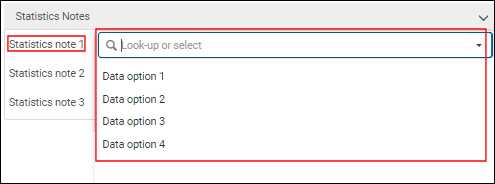
To define a fixed list of data options for each statistics note, use the Statistics Note configuration options (Configuration > Resources > General > Statistics note 1 /Statistics note 2 /Statistics note 3). For details, see Configuring Statistics Note 1, 2, and 3.
Configuring Statistics Note 1, 2, and 3
The statistics_note_controlled customer parameter controls all three item statistics notes together. It is not possible to configure one statistic note to display a dropdown list but have free-text in the other statistic notes.
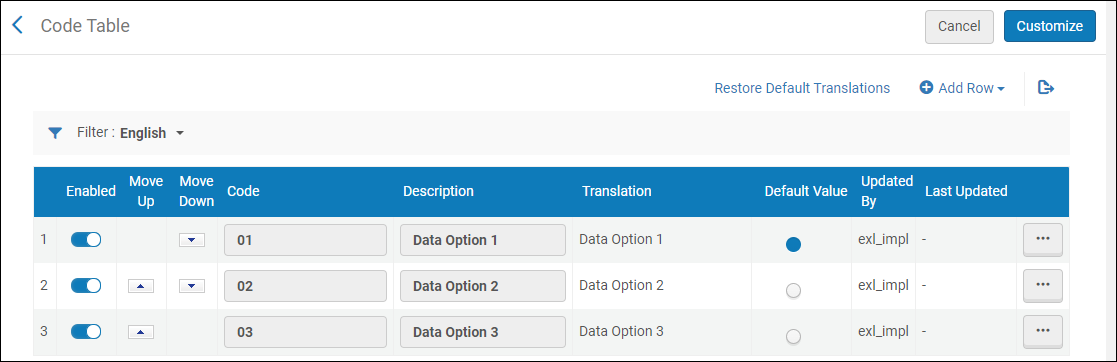
Searching for Statistical Notes