Customizing How Library and Location Appear
- Catalog Administrator
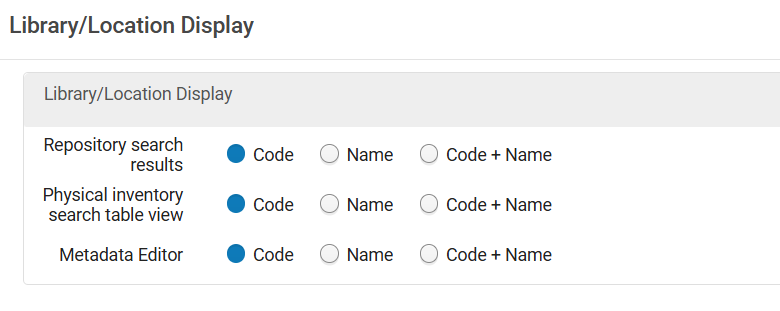
You can customize whether the library and location are displayed only as a code, name, or both in the following areas:
- Repository Search Results
- Physical Inventory Search Table View
- MD Editor Editing Holdings Record - 852 Field Form
On the Library/Location Display page (Configuration Menu > Resources > General > Library/Location Display), for each area, select one of the options for how the library and location appear and select Save.
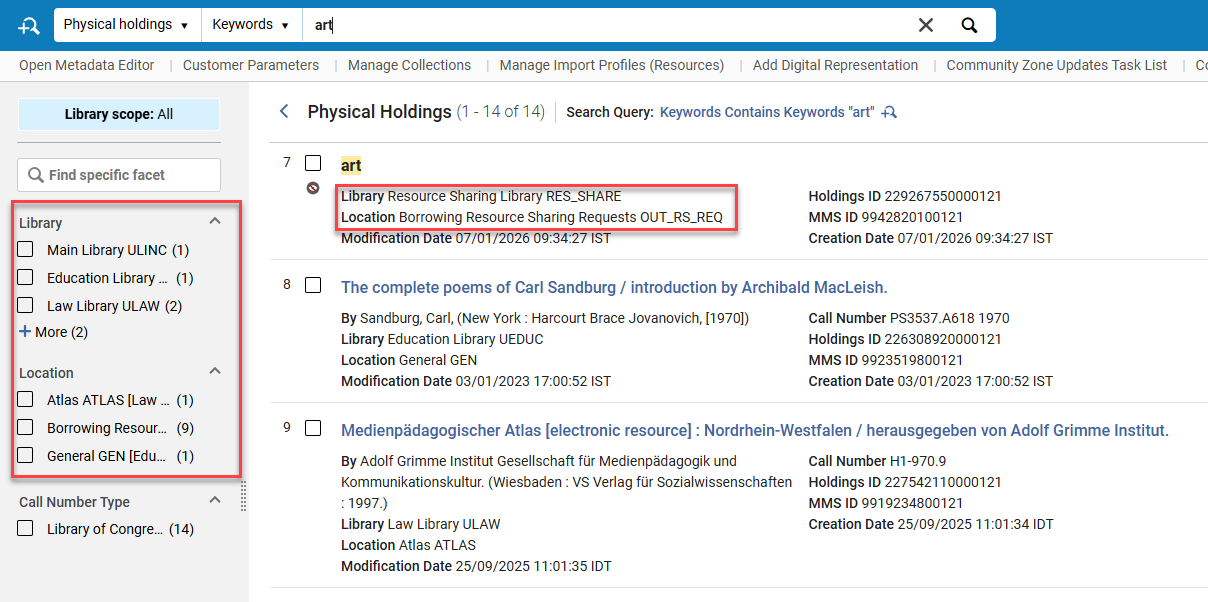
This configuration also applies to how the library/location appears in the Locations facet. See below for details.
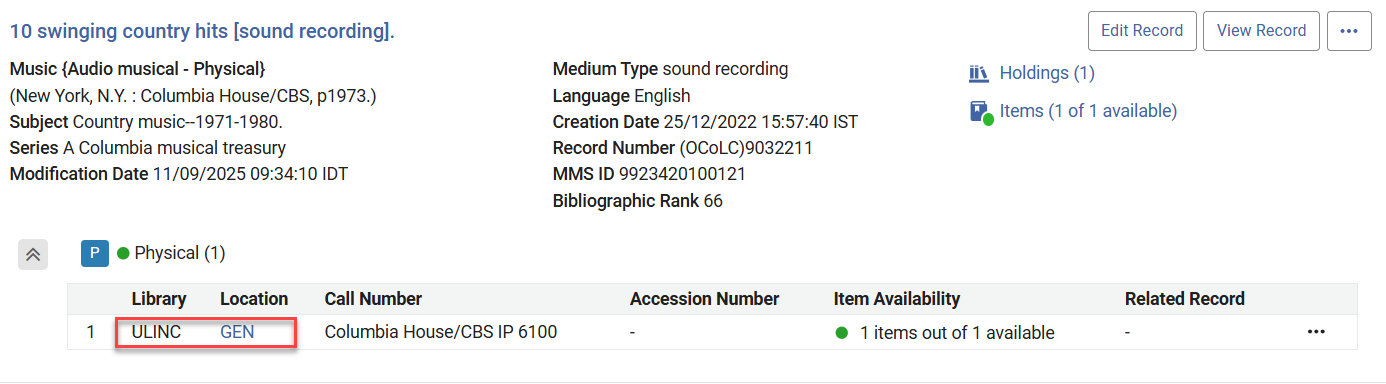
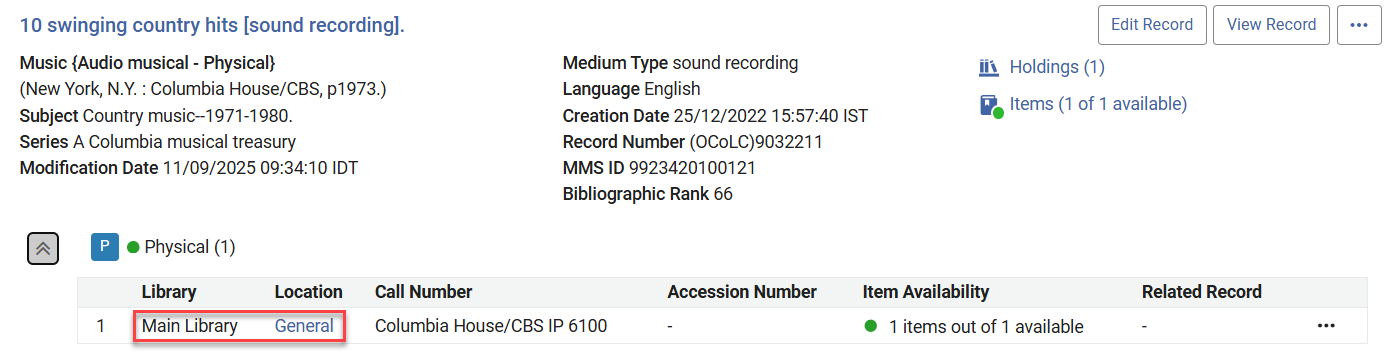
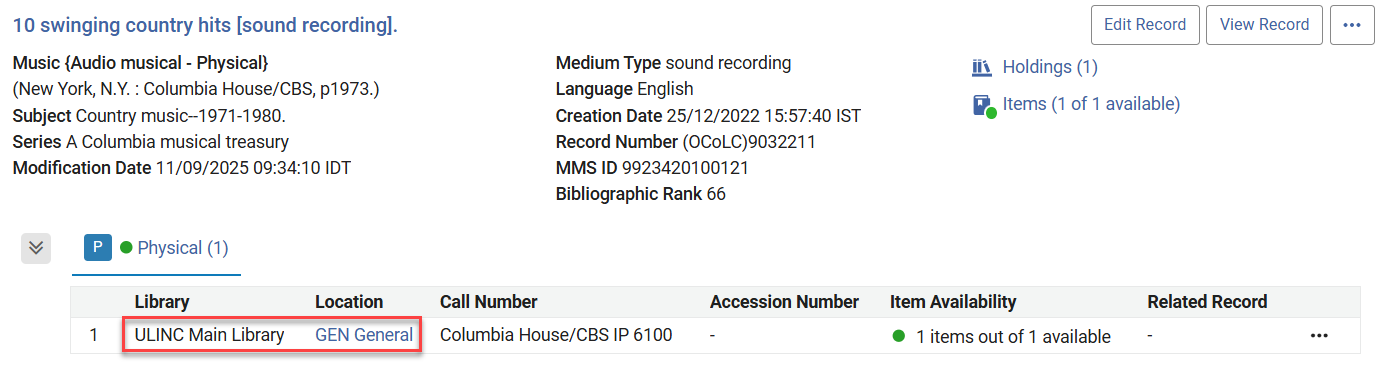
Physical Titles Configurations Results
Physical Holdings Configurations Results
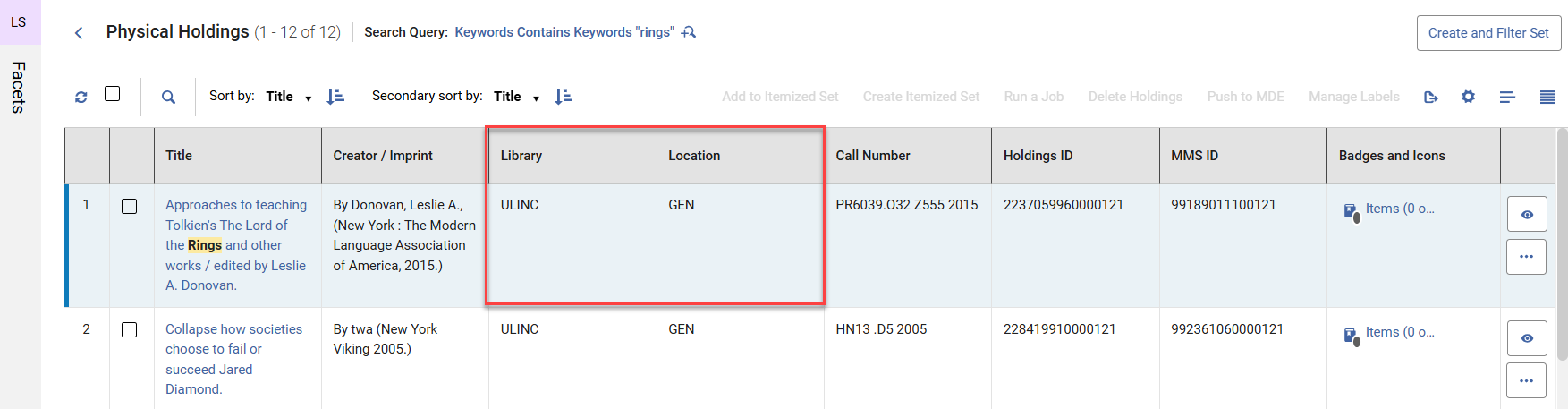
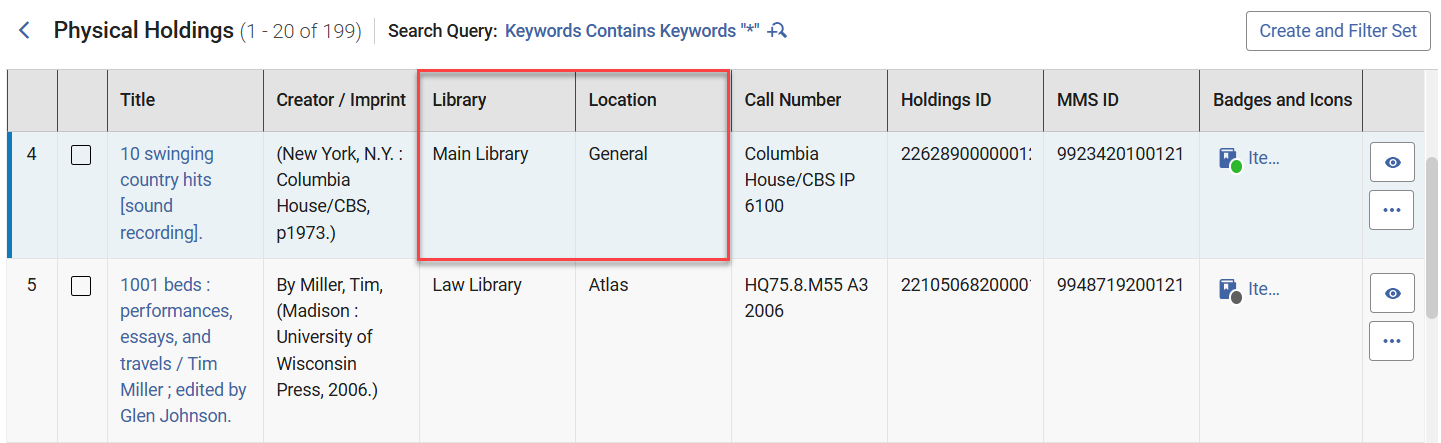
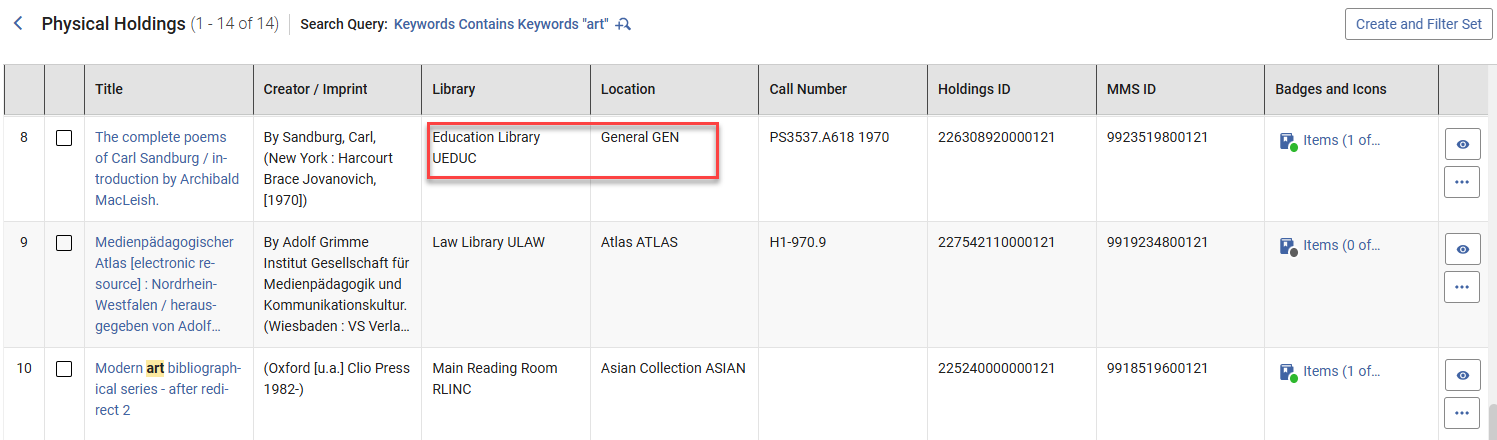
Table View
The physical holdings table view is impacted by the Physical Inventory Search Table View configuration.
Other Views
The physical holdings record view, facets, and export are impacted by the Repository search results configuration.
The library name in brackets in the Location facet is always shown to distinguish between similar locations across different libraries. It is not impacted by the Library/Location Display configuration.