
Información de Publicación
- Administrador general del sistema
- Administrador de repositorio
- Administrador de catalogación
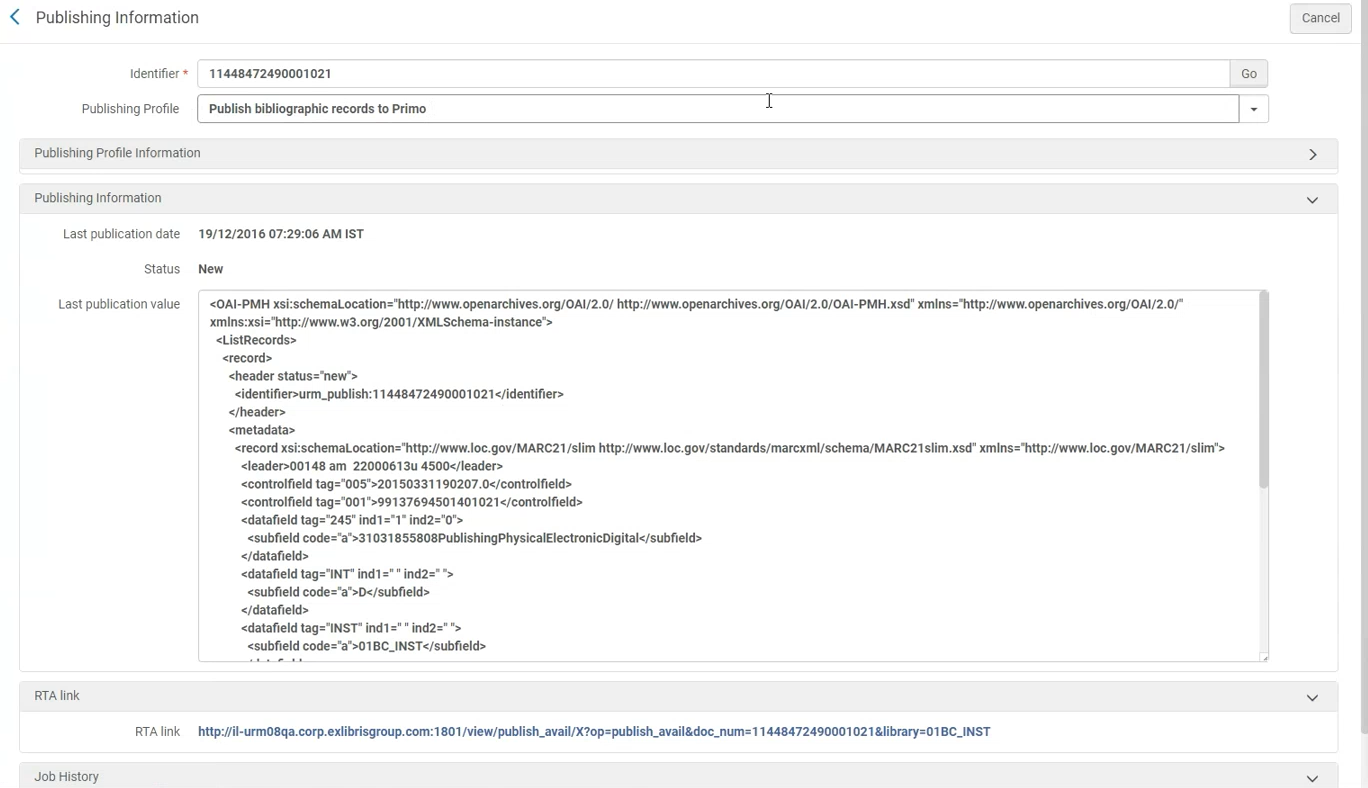
Similar to the Publishing Information search results list action (see Performing Actions on the Repository Search Results Page), the Publishing Information feature (Resources > Publishing > Publishing Information) provides the following information after the General Publishing, Primo, Summon, OCLC, Central Discovery Index, Libraries Australia, and Google Scholar publishing jobs are run:
-
Campus/OCLC institution symbol – If the institution is publishing at the campus/symbol level, in addition to the record ID you'll also need to specify the campus/symbol for which you want to see the publishing information.
- Publishing Profile – This parameter identifies the publishing profiles that were used to publish the record specified in the Identifier parameter. En algunos casos, más de un perfil de publicación puede publicar un registro. La lista desplegable para el parámetro del Perfil de publicación contiene todos los perfiles desde los cuales se publicó realmente el registro.
- Publishing Profile Information:
- Information related to the selected publishing profile: Profile description, sets selected in the profile (only for PUBLISHING_PLATFORM), whether the profile is currently active or inactive, its schedule, and last run date
- El enlace de "Editar perfil". Select the link to navigate to the publishing profile.
- Publishing Information:
- Last publication date – This shows the date and timestamp information for when a record was published.
- Status – This shows New, Updated, or Deleted for the record's status in Alma when it was published.
- Last publication value – This shows the record data that was published for a given publishing profile, as identified in the Publishing Profile parameter (see above).
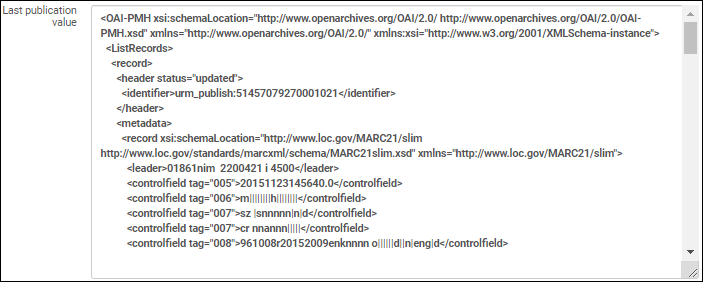 Valor de última publicación
- RTA Link – This type of link appears for the different types of Primo publishing.
- Job History – In some cases, there is a link provided for accessing the job history list. Tenga en cuenta que puede tardar un tiempo en aparecer.
Con la opción del menú de Información de publicación, simplemente introduzca uno de los siguientes tipos de ID en el parámetro Identificador para visualizar los datos descritos arriba:
- MMS ID bibliográfica (para el tipo de perfil de Publicación general a nivel bibliográfico)
- MMS ID de autoridad (para el tipo de perfil de Publicación general a nivel de registro de autoridad)
- Title ID (for the Primo, OCLC, Central Discovery Index, and Google Scholar publishing type profiles)
- ID de existencias (para el tipo de perfil de Publicación general a nivel de existencias)
- ID de portafolio (para el tipo de perfil de Publicación general a nivel de portafolio)
- ID de ejemplar (para el tipo de perfil de Publicación general a nivel de ejemplar)
Con algunos perfiles de publicación, hay enriquecimiento de datos o normalización, lo que significa que los datos publicados pueden ser muy diferentes del registro del recurso original. Using the information provided for Last publication value, you can view and verify the actual data that was published.
Page tags: article:topicproduct:almacontent:Documentationlang:english
