
Library Mobile Universal App
Ex Libris' Library Mobile App
Your library ’s mobile app is accessible through the Ex Libris Library Mobile app. The app, available globally through the official Apple App Store and the Google Play Store, provides your library patrons with your institutionally configured Library Mobile experience. Once the patron has downloaded the app and selected their institution, they are able to authenticate and access their data and the experiences you have deployed.
For more information, watch Library Mobile App Overview. (2:56 min)
Downloading the App
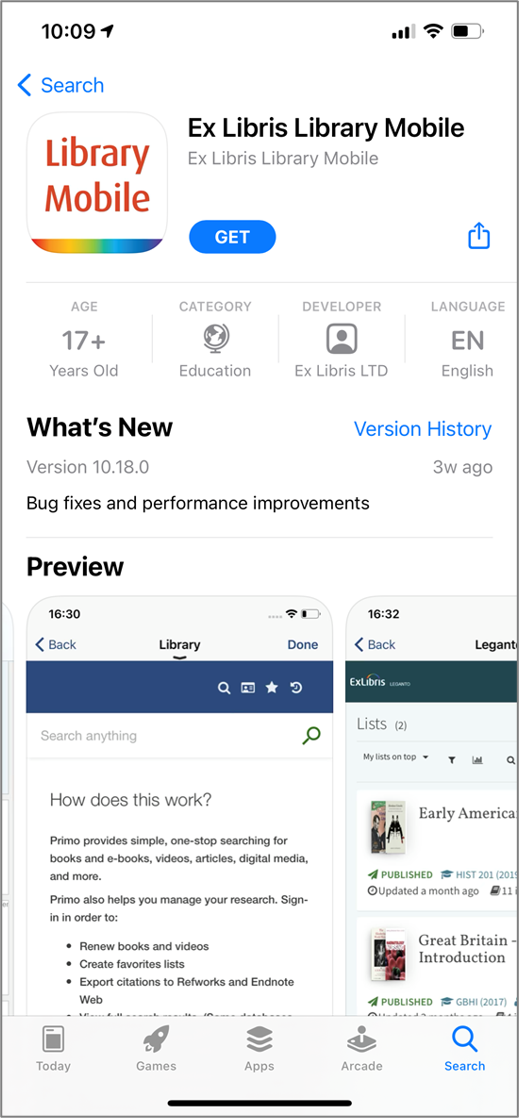
The Ex Libris Library Mobile app is available from the Ex Libris storefront on both the Apple App Store and the Google Play Store.
Search the stores for “Ex Libris Library Mobile†to download the app. Additionally, see below for direct app links:
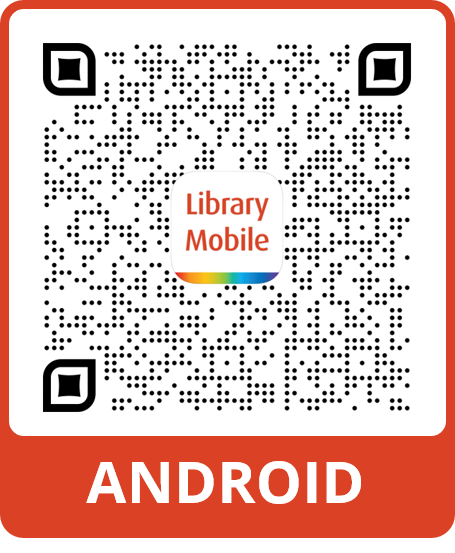
- Android:https://play.google.com/store/apps/details?id=com.ombiel.campusm.librarymobile
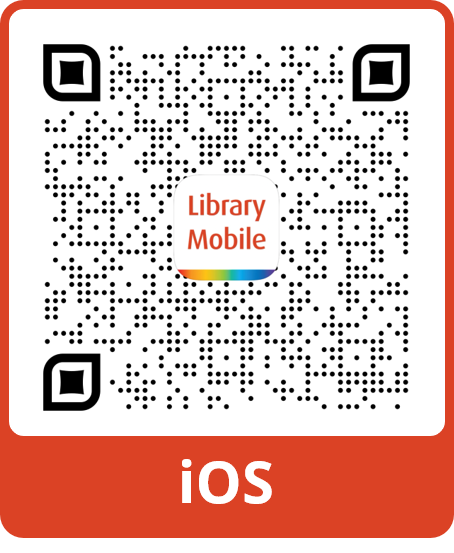
- iOS:https://apps.apple.com/app/ex-libris-library-mobile/id1553482705
QR Codes that can be scanned from the user ’s device can be saved and reused from the images below:
|
|
App store listing page:
Once downloaded; the App icon appears on the user ’s device:
On first use of the Library Mobile app, the patron needs to search for their institution by typing the institution name in the search field. A filtered list of available libraries appears after the first three characters are entered:
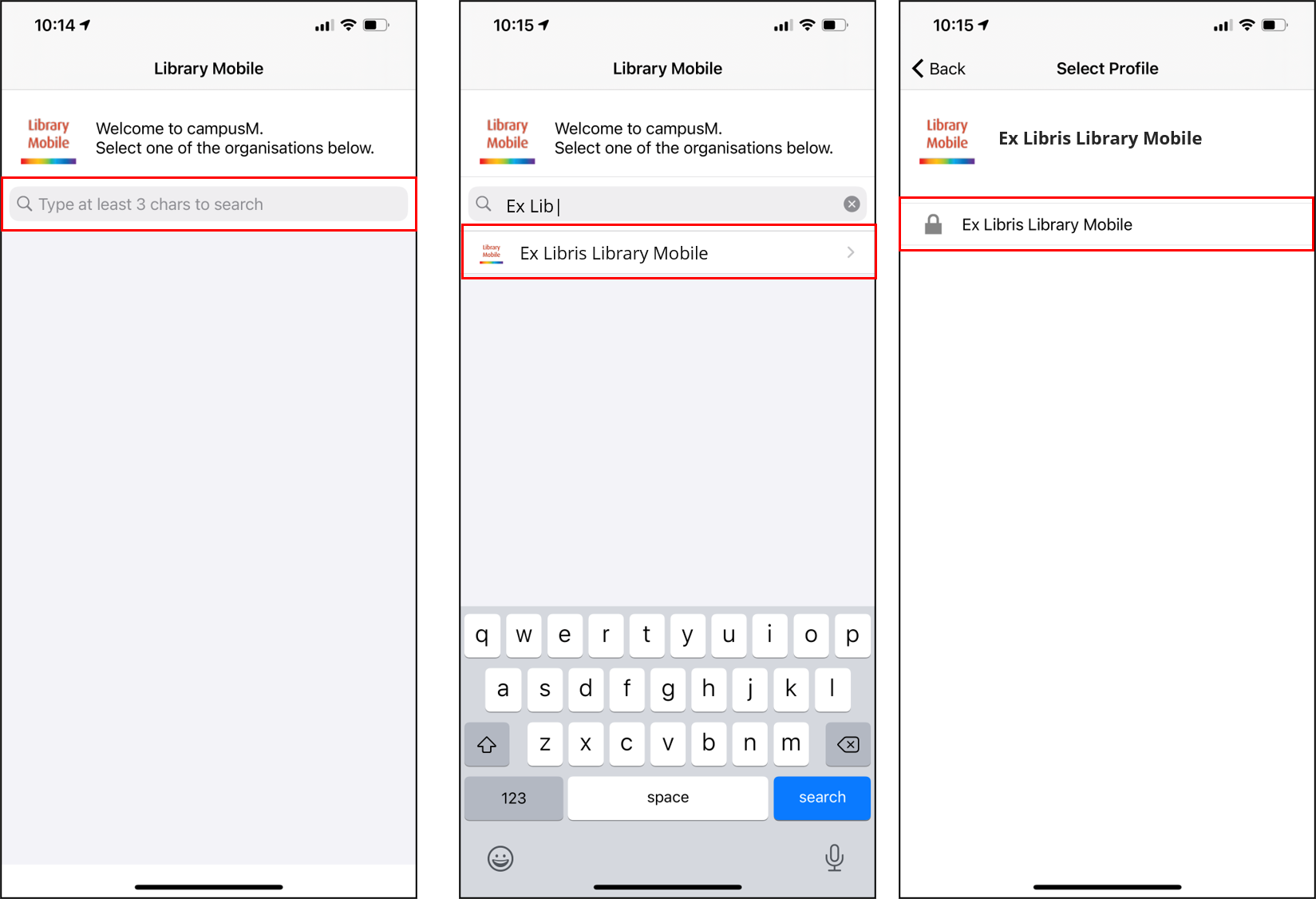
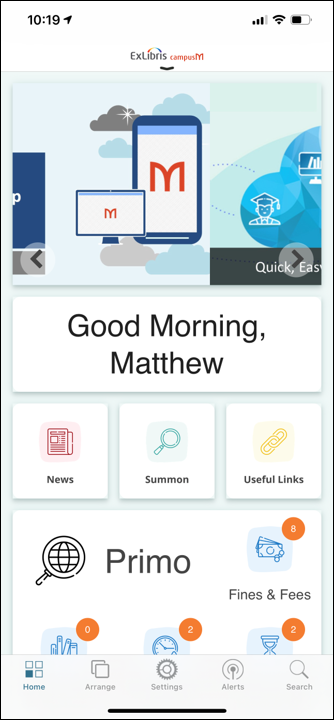
The Select Profile screen enables the patron to authenticate their Library Mobile experience and your institution ’s Home screen appears:
App Updates
The app updates automatically on a monthly basis as per the published release schedule:https://knowledge.exlibrisgroup.com/...lease_Schedule
By default, a patron that has Automatic App Updates enabled on their device does not need to undertake any action to receive the latest version.
Page tags: article:topiccontent:Documentationproduct:campusmlang:englishproduct:alma_specto
