
Intota: Changing a Database Status
- Product: Intota
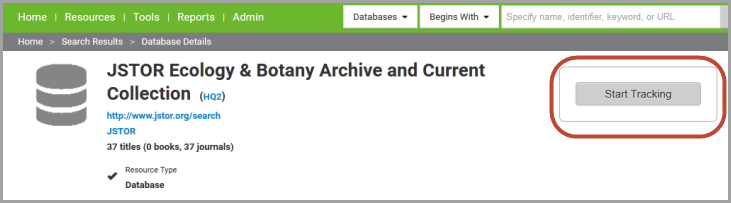
When your library initially adds a resource to your Intota profile, you will change its Status to Subscribed or another status. Often times you are on the resource's Database Details page when you are wanting to add it to your profile; use the Start Tracking button on the right side to open up a window where you can change the status:
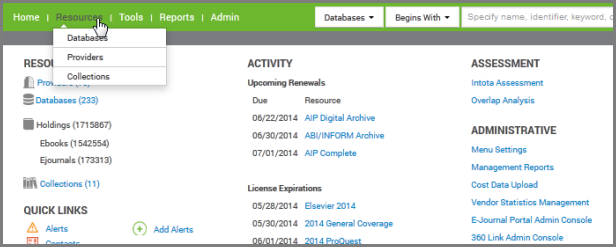
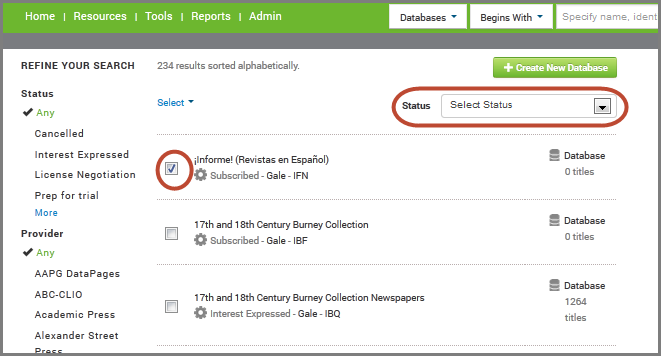
Other ways of adding a resource to your profile are included here: Intota: Adding Databases to your Intota Profile.Changing a Resource's Status During its Subscription LifecycleDuring the lifecycle of a resource at your library you may find the need to change its status in your Intota profile. To change the status of one or more databases currently in your profile, click Resources on the menu bar and then select Databases in the submenu:
- Date Created: 24-Jun-2014
- Last Edited Date: 26-Jan-2015
- Old Article Number: 10961
