
Intota: Interlibrary Shared Resources: Viewing Manager Libraries
- Product: Intota
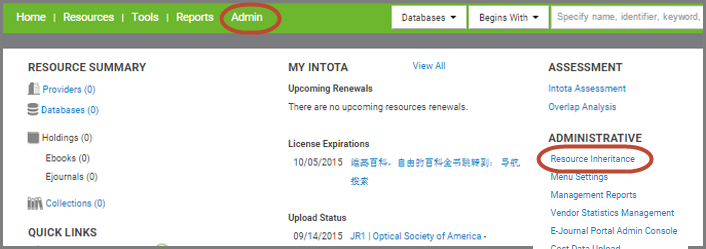
For libraries that subscribe to Interlibrary Shared Resources, if your library is a "member" library that accepts resources from a "manager" library's Intota and Client Center profile, you can view the manager library (or multiple libraries if your library's profile is set up to work collectively with more than one group of libraries) by clicking on the Resource Inheritance link that is available within the right side Administrative menu and also within the Admin drop-down menu at the top of Intota:
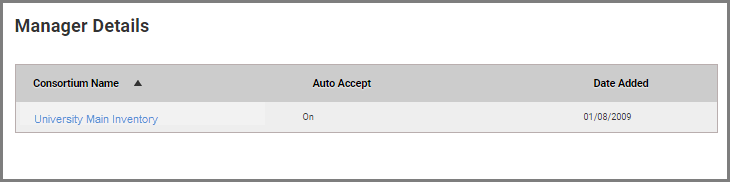
- If Auto Accept is ON, your library is set up so that your Intota profile is automatically updated when the manager library shares a resource. OFF means that your library must accept the inheritance before a resource is added to your profile. To change the setting, contact the manager library and request the change.
- Date Created: 21-Sep-2015
- Last Edited Date: 26-Sep-2015
- Old Article Number: 1315
