
The Delete Sitemap Tool
This functionality is not relevant to to Primo VE.
The Delete Sitemap tool allows you to delete site map files per view.
-
On the Tools Monitoring page, select Delete Sitemap in the Create a Tool drop-down list. The Delete Sitemap page opens.
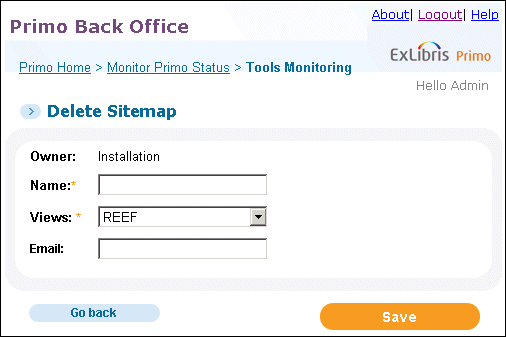 Delete Sitemap Page
 -
Enter a name for the tool, which you can execute and monitor in the Tool Monitoring list.
-
Select a view in the Views drop-down list.
-
Specify the e-mail address to which the completion status is sent when this tool completes.
-
Click Save.
-
Execute the tool when needed. For information on monitoring tools, see Tools Monitoring.
Page tags: article:topicProd:Primocontype:documBack Office GuidePrimo Toolsproduct:primocontent:Documentationlang:english
