
Installing the Primo Toolbar
The Primo Toolbar provides a separate installation package for each type of browser (FireFox and IE) and configuration (personal or public).
-
Run the setup.exe file from the installation package that you want to install.
The Primo Search Toolbar Setup Wizard displays. Primo Search Toolbar Setup Wizard
 -
Click Next to continue.
The Primo Search Toolbar Information window displays.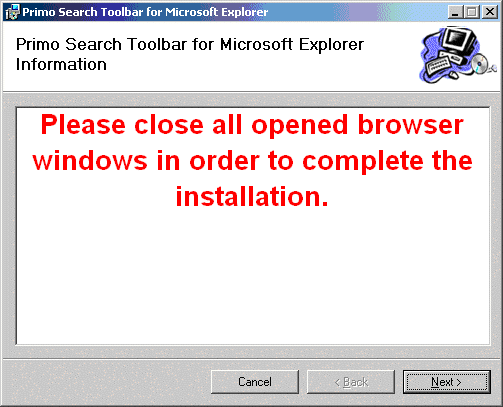 Primo Search Toolbar Information Window
 -
Close all relevant opened browsers and click Next.
The Installation Complete window displays. Primo Search Toolbar Installation Complete Window
 -
Click Close to exit the installer.
Page tags: article:topicProd:Primocontype:documInteroperability GuidePrimo Toolbarproduct:primocontent:Documentationlang:english
