
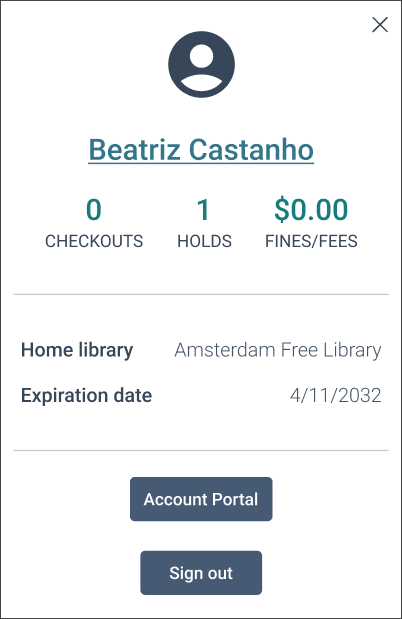
The My Account window provides summary information about your checkouts, fines, and fees, as well as your home library and account expiration date. You can also access the Account Portal or sign out. You must sign in to use the My Account window.
The following image shows the My Account window.
To use the My Account window
- In the upper-right section of any page, select your name.
- On the My Account window, select Account Portal to manage your profile.
- Select one of the following values to go to the corresponding tab in the Account Portal:
- Checkouts
- Holds
- Fines/Fees
