
Configuring E-Task Statuses
Overview and configuration instructions for statuses defined for electronic activation tasks in addition to the system-provided Done status.
- Repository Administrator
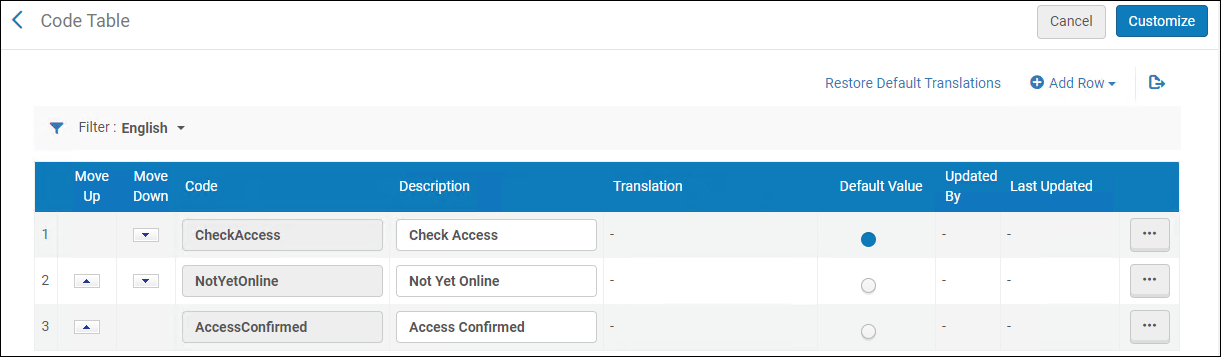
When you manage electronic resource activation, you can assign a status to the electronic resource from a drop-down list (see Managing Electronic Resource Activation). You configure these statuses available to be assigned on the E-Activation Task Status code table (Configuration Menu > Resources > General > E Task Statuses). For more information about code tables, see Code Tables.
You can add, edit, reorder, or delete e-task statuses, and you can make one the default in the drop-down list.
Page tags: article:topicConfiguring Resource Managementproduct:almacontent:Documentationlang:englishelectronic activation task statuselectronic resource activation
