
Configuring Brief Level Code Descriptions
Overview and configuration instructions for user-friendly names for brief levels (levels of briefness for bibliographic records) that are used in the MD Editor and when configuring import profiles.
In Resource Management configuration, you can specify a more descriptive name than 01,02,03, and so forth for your brief levels. These names appear where the brief level information appears such as in the Repository Search and in the MD Editor's description of the record's briefness.
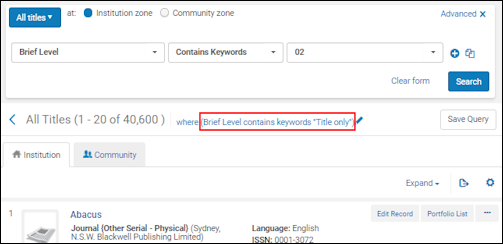
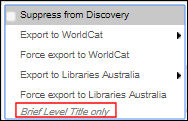
For detailed information on brief levels, see Working with Brief Record Levels.
You configure the brief level names on the Brief Levels code table (Configuration > Resources > General > Brief Levels). For more information about code tables, see Code Tables.

You can edit the default names and the names for languages configured for your institution.
Page tags: article:topicConfiguring Resource Managementproduct:almacontent:Documentationlang:englishbrief level
