
Working with App Code
When configuring a service, a profile, or the app in the App Builder, you can select Code to work directly with the general or tile configuration properties of the service, profile, or app's code.
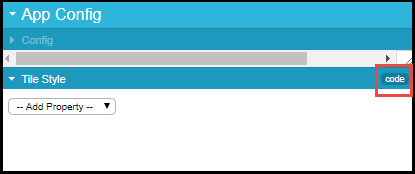
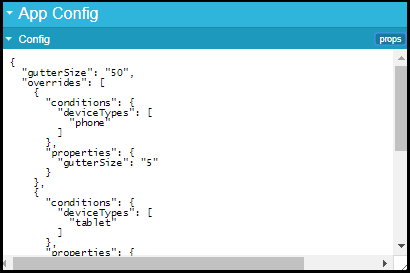
It is recommended not to touch the code. However, working with the code is sometimes the most convenient way of performing certain tasks, such as reordering elements in the app UI; be sure to preserve the open and close brackets when moving elements. When you are done, select props to return to using the UI.
The menuRef code that appears inside a service's code indicates the type of service:
- TILE- A basic, feed, or banner service. For a feed service, the Feeds field is also defined. For a banner service, the Banners field is also defined.
- PG- A static content service.
- AEK#####- An integrated service, where ###### is an internal component number.
Page tags: article:topiccontent:Documentationproduct:campusmlang:englishcommunity:training_materials
