
Vendor Record Display
To view vendor records, you must be assigned permission 411 (View Vendor Records). See Permissions Used by Sierra for more information.
You can create, edit, group, and view vendor records using the Vendors function.
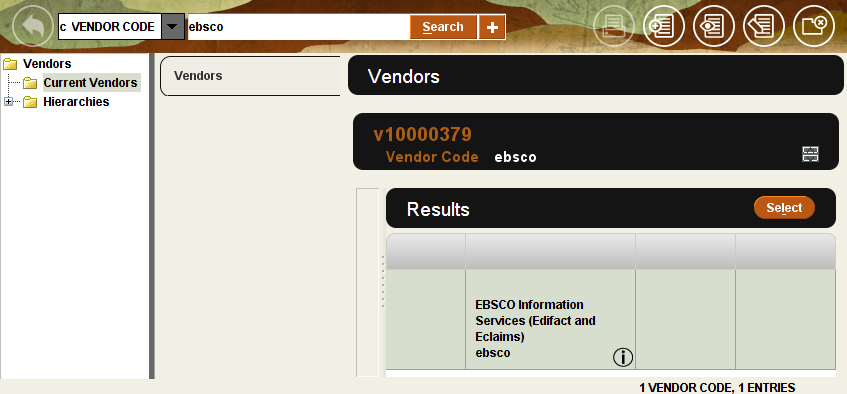
On the left side of the display, you can choose to view individual records or groups of records.
- Choose Current Vendors to work with individual records.
- Choose Hierarchies to work with groups of records.
Current Vendors
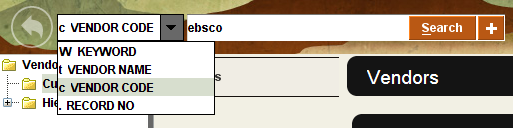
When you choose Current Vendors, you can search for individual vendor records.
Hierarchies
The vendor names or vendor codes appear based on your login's setting for the Use the vendor name instead of code in the vendor hierarchy display option.
When you choose Hierarchies, the vendor groups appear as subfolders in the right-hand portion of the display.
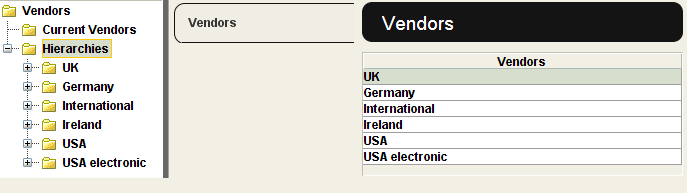
Click a folder to view its contents.
- See also:
- Grouping Vendors
