
Running Out-of-the-Box Reports
You can run reports whose criteria have been created by Ex Libris.
To run an out-of-the-box report:
-
Select Catalog. The Catalog page appears:
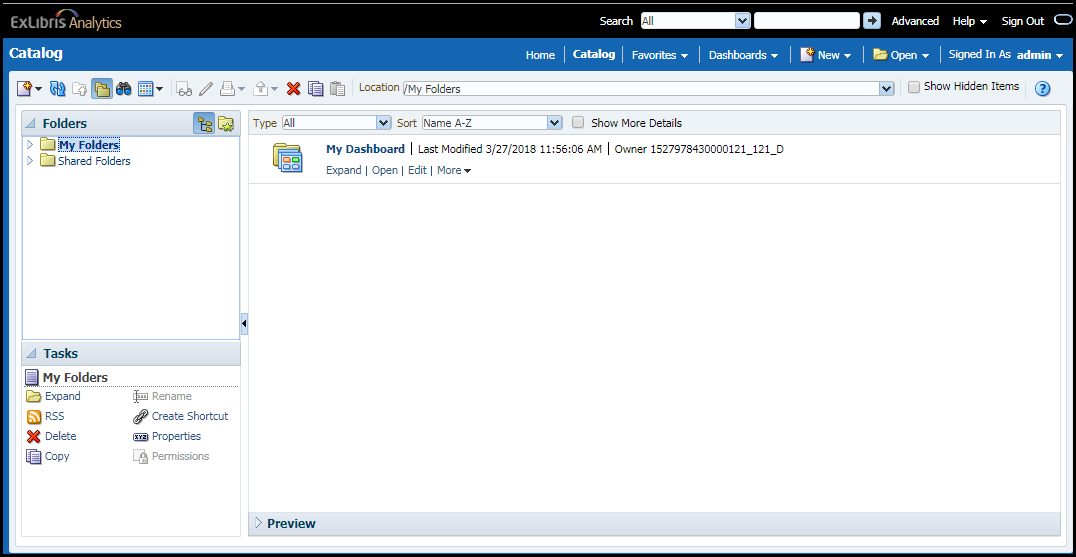
On the left of the catalog page is the Folders pane. My Folders contains any reports that you created. Shared Folders contains:
-
Reports created by Ex Libris
-
Reports shared between users in your institution
-
Reports shared by other institutions (under Community). Reports are shared across all regions via a weekly sync that is run each Friday. You can copy shared reports to your folders and make local modifications. (Note that if you want to make changes to a shared report you must save it under a different name so that you do not override a report created by someone else.)
-
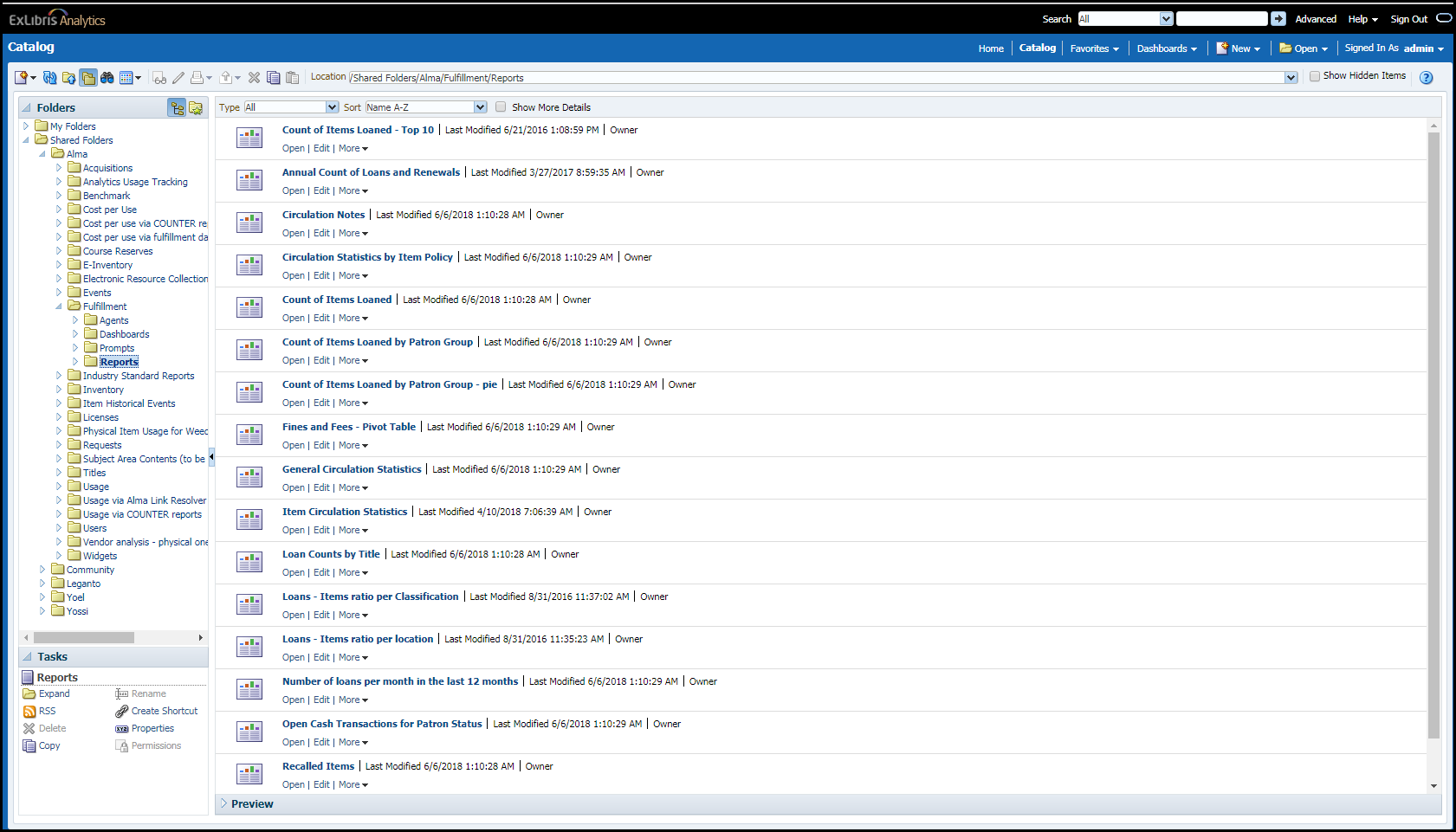
Navigate to any folder named Reports under a subject area. Out-of-the-box reports for that subject area appear. For example:
-
Select Open for the report you want to run.
Page tags: article:topicproduct:almacontent:Documentationlang:englishRunning Out-of-the-Box Reports
