
Personalizzazione dell'aspetto di Biblioteca e Localizzazione
Panoramica e istruzioni di configurazione per la formattazione delle informazioni di biblioteca e Localizzazione di biblioteca che devono apparire nei risultati della ricerca Archivio e nell'Editor MD Editor Holdings 852, sia codice, nome o codice e nome.
- Amministratore catalogo
You can customize whether the library and location appear as a code only, name only, or both in the following areas:
- Repository Search Results
- MD Editor Modifica record di holding - campo Form 852
On the Library/Location Display page (Configuration Menu > Resources > General > Library/Location Display), for each area, select one of the options for how the library and location appear and select Save.
Questa configurazione si applica anche a come la biblioteca/Localizzazione di biblioteca appare nella Localizzazione di biblioteca Faccetta. Veda i dettagli sotto.
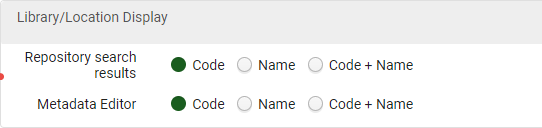
For example, here are search results with the location code only:
|
Search with Library/Location Code Only Configured,/p> |
Location code displayed in Location facet |
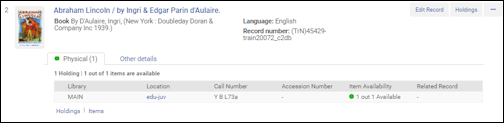
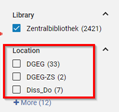
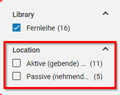
The following search results show the location name only:
|
Search with Library/Location Name Only Configured |
Location name displayed in Location facet |
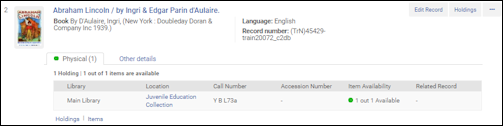
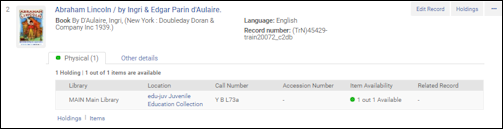
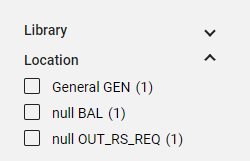
The following search results show the location code and name:
|
Search with Library/Location Code and Name Configured
|
Location code and name displayed in Location facet |
Page tags: article:topicConfiguring Resource Managementproduct:almacontent:Documentationlang:englishlibrary and location format in search resultslibrary/location display
