Viewing Circulation Status in Admin App
To log in to the Sierra Administration Application, your login must be assigned the Admin App application.
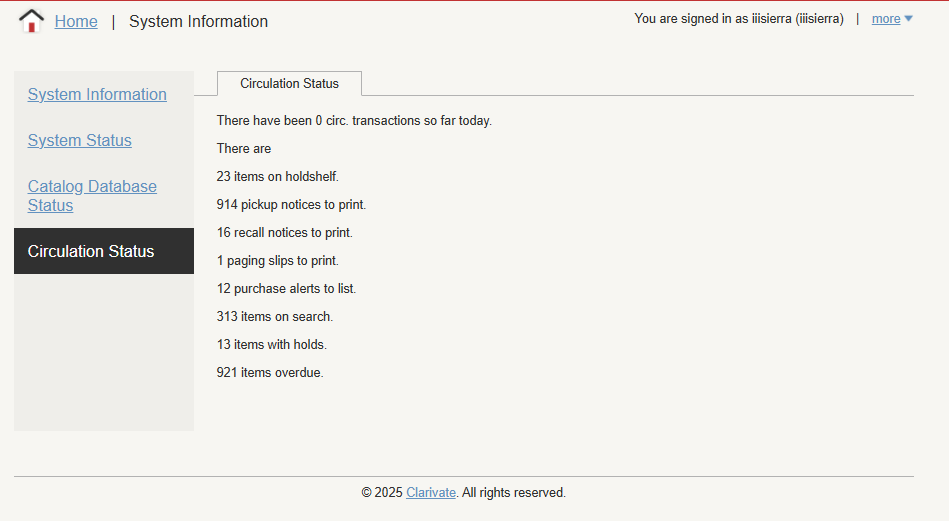
You can view circulation activity statistics under a new Circulation Status tab in the existing System Information area.
This option allows you to see the following information:
-
the number of circulation transactions
-
the number of items on holdshelf
-
the number of pickup notices to print
-
the number of recall notices to print
-
the number of paging slips to print
-
the number of purchase alerts to list
-
the number of items on search
-
the number of items with holds
-
the number of overdue items
To view System Information in Sierra Administration Web Application:
-
Select System Information under Back End Management.
The System Information screen displays.
-
Select Circulation Status.
The Circulation Status screen displays.