Viewing System Information in Admin App
Viewing System Information in the Admin App is available in Sierra 6.6 and later.
To log in to the Sierra Administration Application, your login must be assigned the Admin App application.
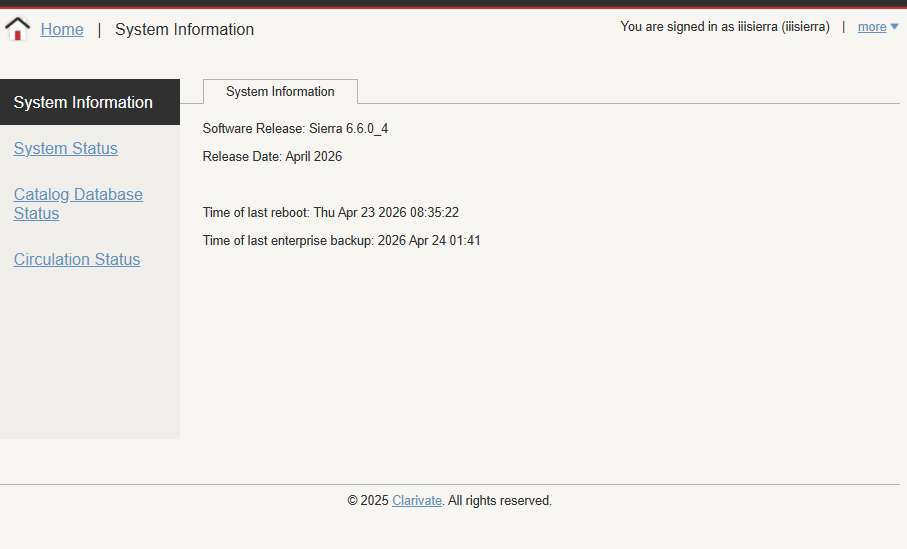
You can view key system metadata, specifically information currently shown before the System Status screen under a new System Information tab in the existing System Information area.
This option allows you to view the following metadata:
-
Software Release Version
-
Release Date
-
Time of last reboot
-
Time of last enterprise backup
The displayed fields are read-only.
To view System Information in Sierra Administration Web Application:
-
Select System Information under Back End Management.
The System Information screen displays.