Alma Code Table Reference
This section provides a reference for all the code tables provided with Alma, across the different Alma subsystems.
Network zone administrators can view and configure the settings only through the Consortia Central Configuration Dashboard.
| Subsystem | See |
|---|---|
| Acquisitions |
Configuring Acquisition Activities
|
| Fulfillment | Configuring Fulfillment Activities – Overview |
| Resource Management | Resource Management Configuration - Overview |
| User Management | User Management Activities |
| General Configuration | Configuring General Activities |
| Analytics | The Basics of Working with Analytics |
Acquisitions Subsystem
See Configuring Acquisition Activities.
Fulfillment Subsystem
See Configuring Fulfillment Activities - Overview
Resource Management Subsystem
See Resource Management Configuration Overview
User Management Subsystem
See User Management Activities
General Configuration Subsystem
See Configuring General Activities
Analytics Subsystem
See The Basics of Working with Analytics
Code Table Enhancements
The following improvements have been incorporated to enhance the functionality and usability of code tables, providing users with a more intuitive and efficient experience.
Inner Search
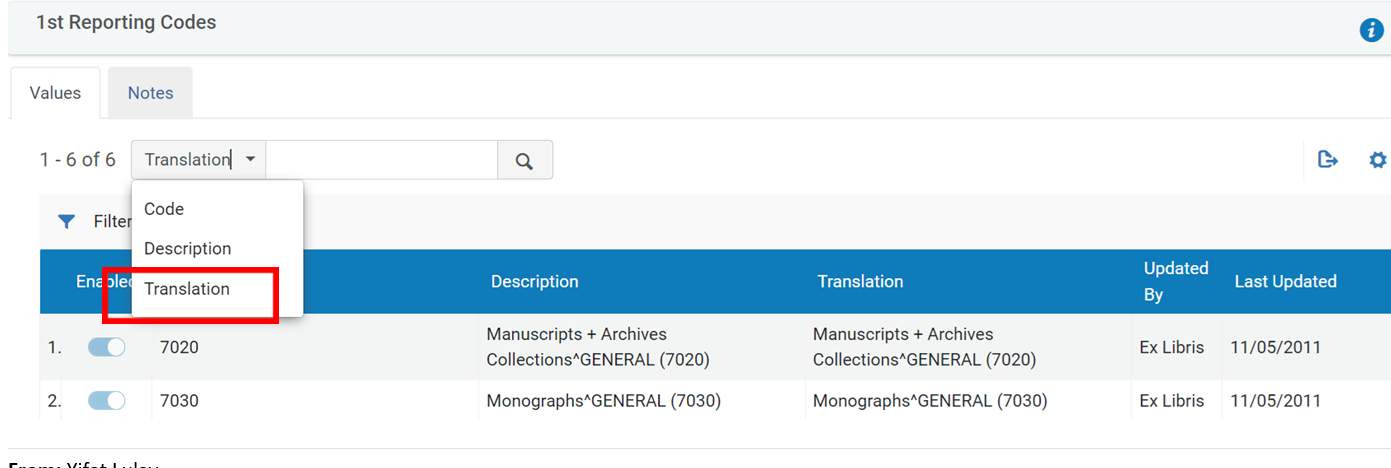
An inner search functionality has been added to enhance the code table experience. Users can now search within the code table to quickly locate specific entries either by the Description or Code column. In multi-language environments, users can also search by Translation(in addition to ‘Description' and ‘Code'). In the drop menu, select the column to search by and enter the text in the text box. Click the search icon ( ).
).
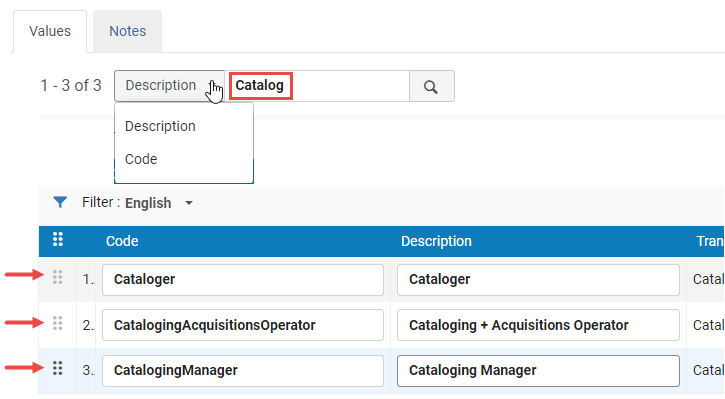
Drag and Drop
The drag and drop feature enables users to easily rearrange and reorganize code table entries by dragging and dropping them into desired positions.
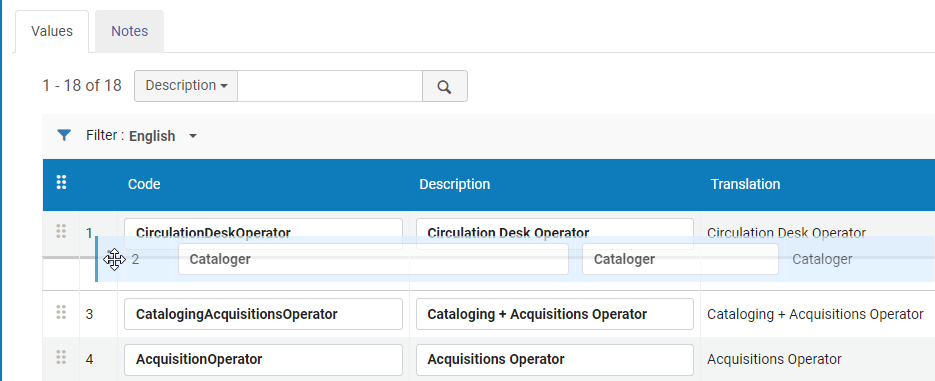
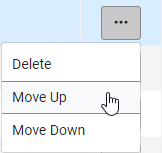
In addition, if an entry appears on page 4 in the list and a user wants to move it to page 3, they can drag and drop the entry at the top of page 4 and in the row actions, select Move Up for the entry to now appear at the bottom of page 3.
Responsive Columns with Text
For enhanced readability and a user-friendly experience, the columns in the code table now present text instead of fields that enable re-sizing and re-ordering of the columns. This change facilitates easier navigation and comprehension of the content.
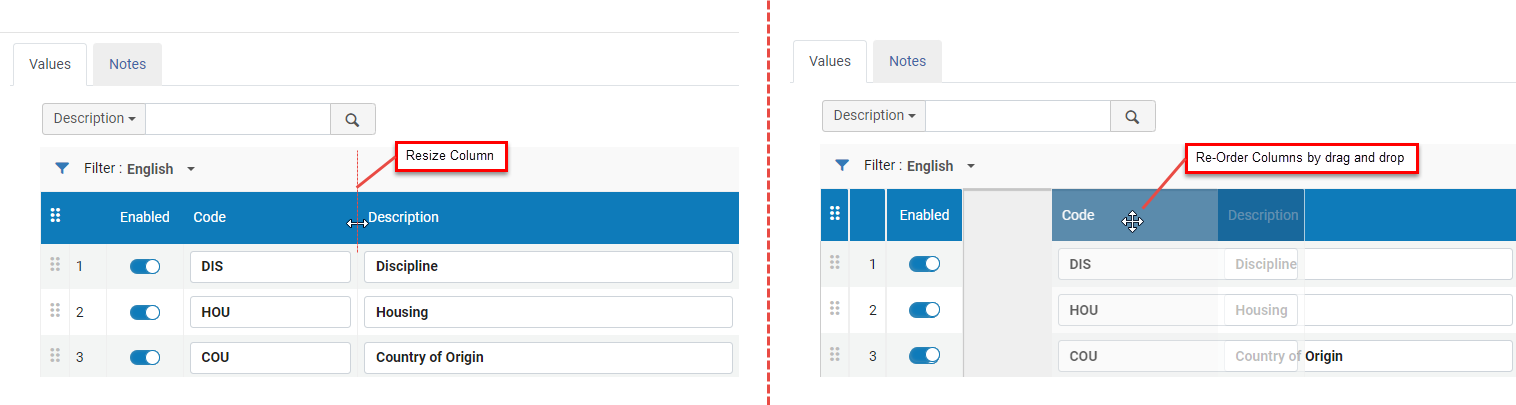
Page Titles
Code tables now feature page titles used as headers that offer clearer context and make it easier to identify the content within the tables. For instance, instead of labeling a table, "Code Table", it is now properly termed and labeled User Category Types. This applies across all code tables in Alma.
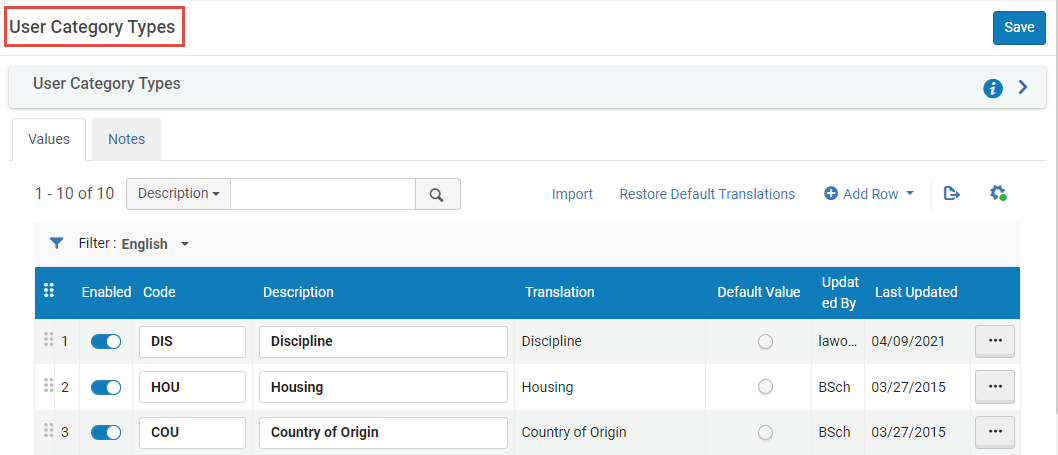
Pagination
A pagination feature is added to help users manage large code tables more effectively. You can now use page numbers to navigate through code table entries.
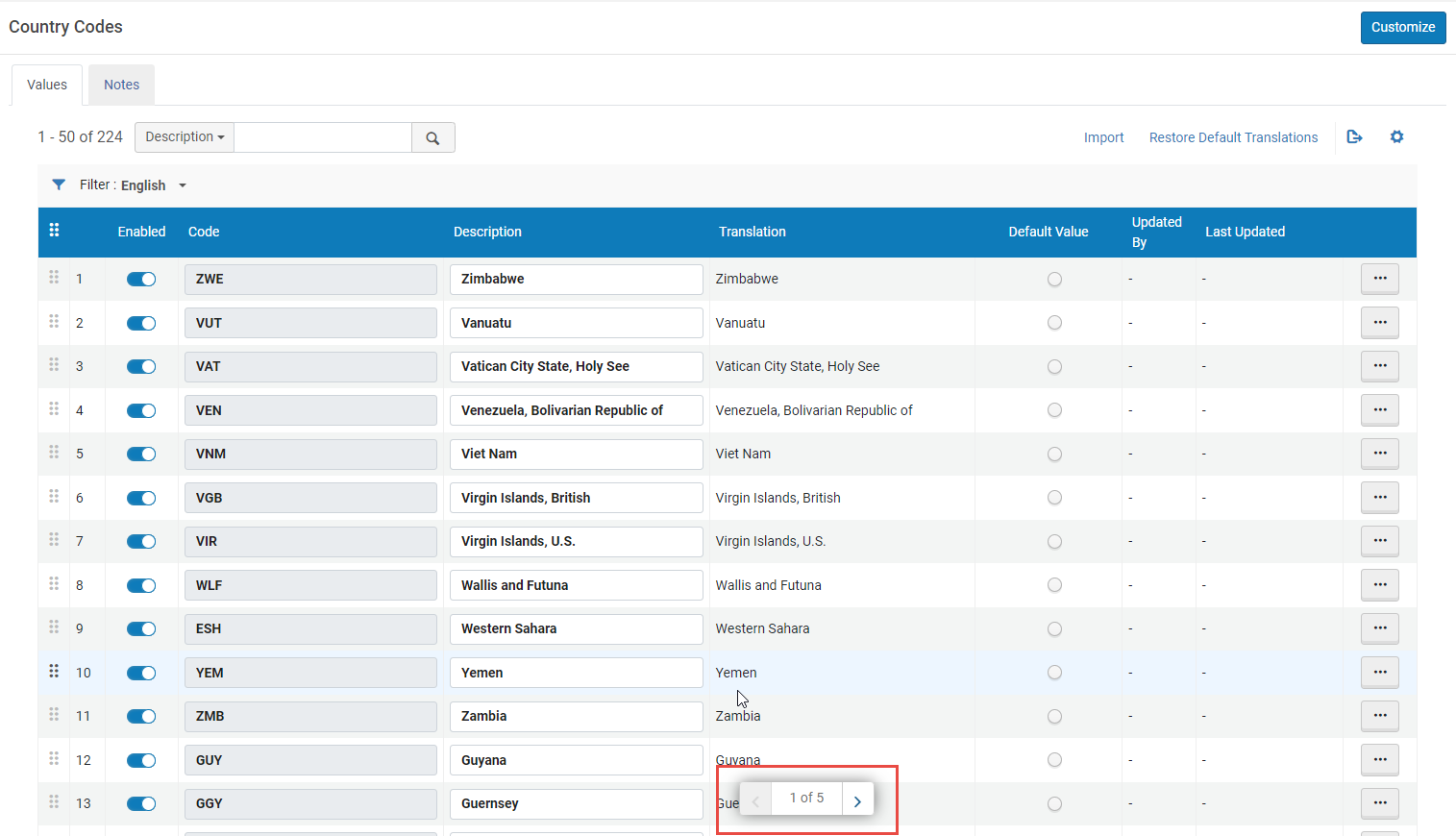
Filter by Translations
Alma enables users to filter Code Tables by translations. In multi-lingual environments, the code tables list can be filtered by language to filter the list by translation language.