
Configuring Sound Alerts
- General System Administrator
- Fulfillment Administrator
This feature applies to the new Manage Patron Services UI.
The Manage Patron Services UI can be set up to sound an alert when a block happens at the circulation desk. This enables staff to rely on a sound alert to flag blocks.
To access the page for configuring a sound alert, navigate to Configuration > Fulfillment > Physical Fulfillment > Sound Alert Configuration.
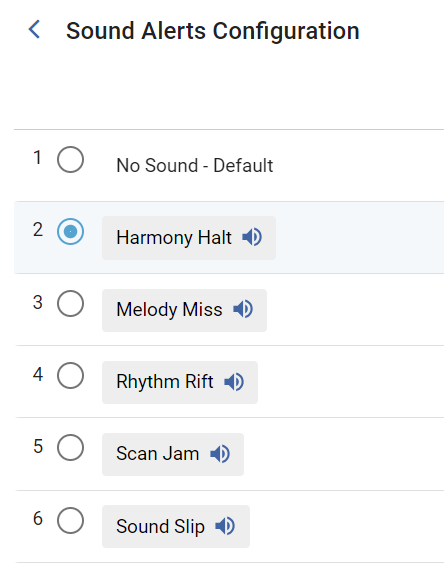
You can listen to a preview of each sound by selecting the sound icon next to the relevant sound alert. By default, the No Sound option is selected. To choose a different sound, select the relevant radio button.
Library administrators can enable this feature at the institution and the circulation desk level, and users can then disable it if they want (for that specific Alma user).
See Configuring Circulation Desks for more information.
Page tags: product:alma
