
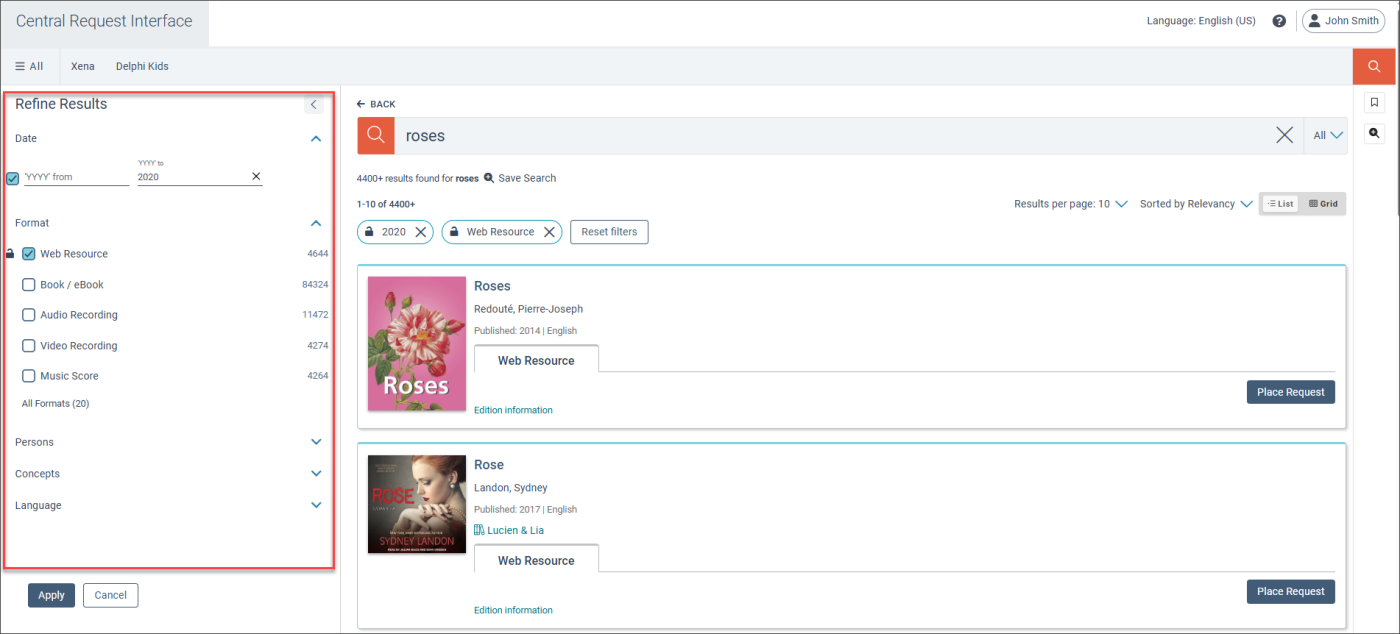
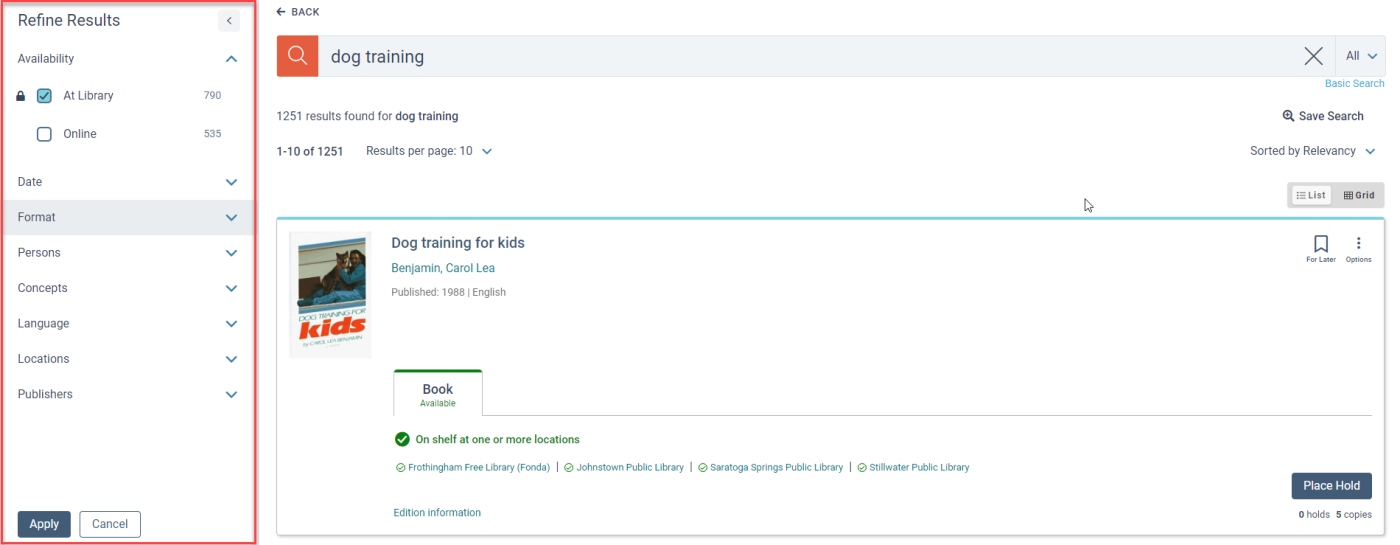
On the Search Results page, you can refine a search to narrow the search results. For example, you can limit the search results to resources that were published in the last 10 years and are available
To refine a search
- On the Refine Results panel, select from the following sections:
- Availability
- Date
- Format
- Collections
- Age Group
- Literary form
- Persons
- Concepts
- Language
- Full text available
- Locations
- Publishers
- New materials
- Donors
-
If a person or concept section contains a large number of facets that you can use to filter the search results, a window opens. Do the following:
-
(Optional) Search for a facet.
-
Select the facet filters you want.
-
Select Confirm.
-
- When you select a filter, a lock icon appears to the left. If you want to keep the filter selected for your next search, select the lock icon
 .
. - Select Apply.
- (Optional) To remove your filter selections, select Reset Filters.
When you expand a section, Vega shows you the number of available items for each facet or filter.
