
Authorize a User to Upgrade Software
Before you perform the software upgrade, you must authorize a user for the Software Updates/Upgrades function.
To authorize users for the Software Updates/Upgrades function, you must be assigned permission 30 (Passwords and authorizations).
- In the Admin app, click Authorizations and Authentication.
- In the List of Users, select an administrative user, such as the Innovative System Administrator.
- Select Edit | Permissions. A screen similar to the following appears:
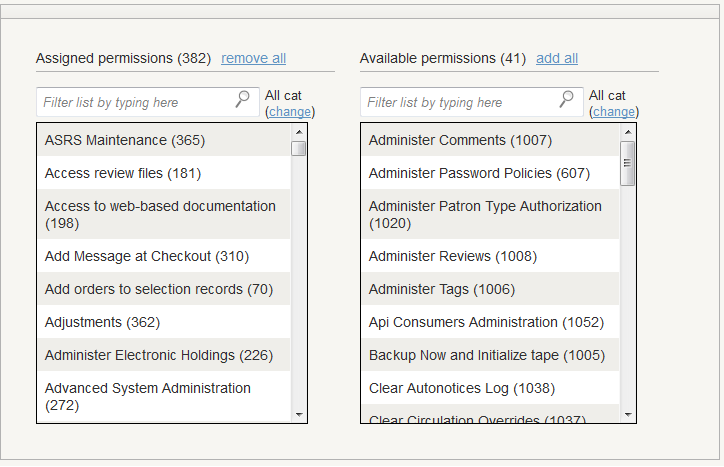
- Enter “100” in the search box below Assigned permissions.
If permission 100 does not appear, type “100” in the search box below Available permissions and drag Upgrade software (100) to the Assigned permissions.
