
Configurar rutas de informes de depósito legal
Se pueden configurar las rutas a los informes de Analytics de publicaciones seriadas de depósito legal que se envíen a los proveedores. For information on these reports, see Working With Legal Deposits. These paths appear in a drop-down list when configuring the job that sends these reports to the relevant vendors; see Legal Deposit Annual Receipt Task in Running Manual Jobs on Defined Sets.
You configure these paths using the Legal Deposit Reports code table (Configuration Menu > Acquisitions > General > Legal Deposit Reports). For more information about code tables, see Code Tables.
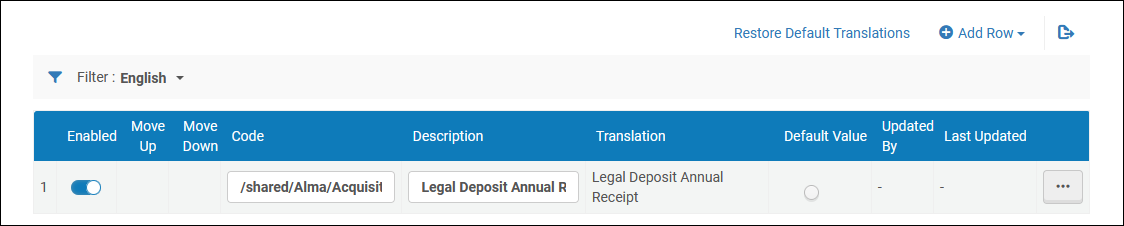
Se puede añadir, editar o borrar una ruta de informe. Se puede activar o desactivar una ruta, cambiar su orden y seleccionar una ruta por defecto.
A report code must be the Analytics path to the report + the report name. For example:/shared/Alma University/reports/acquisitions/Report of arrived items(where /shared/Alma University/reports/acquisitions/ is the path and Report of arrived items is the report name). La descripción es el nombre del informe, como aparece en la casilla desplegable al configurar la tarea del depósito legal.
Page tags: article:topicproduct:almacontent:Documentationlang:englishlegal deposit report pathadd legal deposit report path
