
Create a Fund
Note:
To create a new fund, you need the permission Funds: Create. For more information about fund permissions, see Acquisitions Permissions Reference.
To create a fund from the Fiscal Year workform
-
Go to the Fiscal Year workform.
-
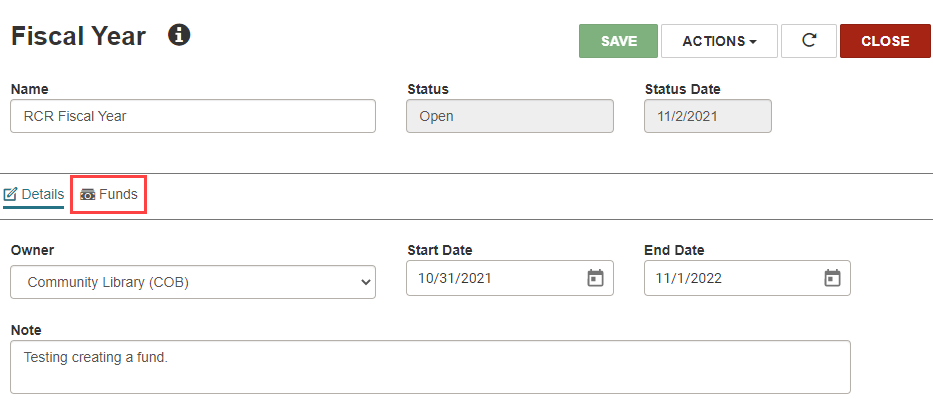
Open the Funds view by selecting Funds.
-
Select +New Fund.
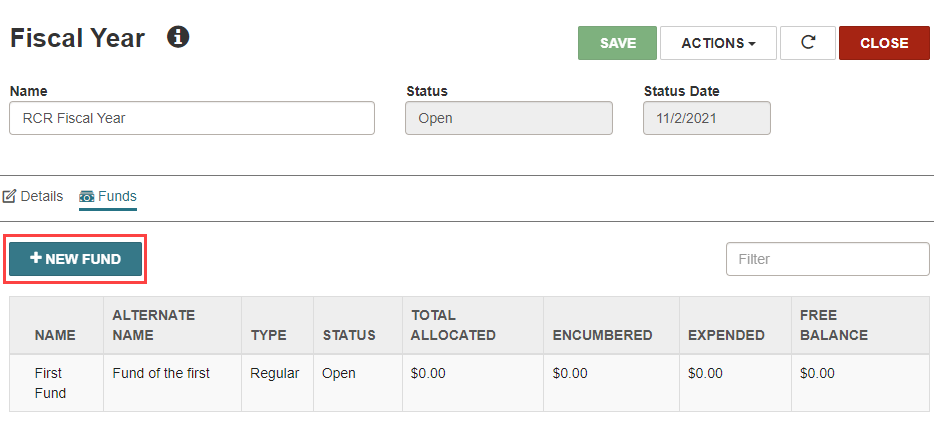
The New Fund workform opens.
-
Fill in the fields with the information as described in Edit a Fund Record.
Note:
Only organizations for which you have the Funds: Create permission appear in the Owner list. -
Select SAVE.
Leap displays a success message and the filled-in Fund workform opens.
