
View or Print Recently Generated Notices
When you generate notices in Leap, a copy of the notice file remains temporarily available. For each notice type, the most recently generated notice file remains available. Files are cleared after 24 hours. You can view or print recently generated notices.
To display recently generated notices, Leap uses the credentials specified in the Override default Report Server authentication setting. Leap uses credentials from the lowest organizational level defined (for example, system, library, branch, or staff user).
If you want the Recent tab to display only recently generated notices for your branch, your library must configure unique credentials for your branch using this setting.
For more information about the Override default Report Server authentication setting, see "Specify a Server for Reporting Services" in the Polaris Administration help. Contact your Site Manager if you have questions about how to configure this setting for your library's needs.
To view or print recently generated notices
- Select Utilities > Print Notices.
The Notices workform appears.
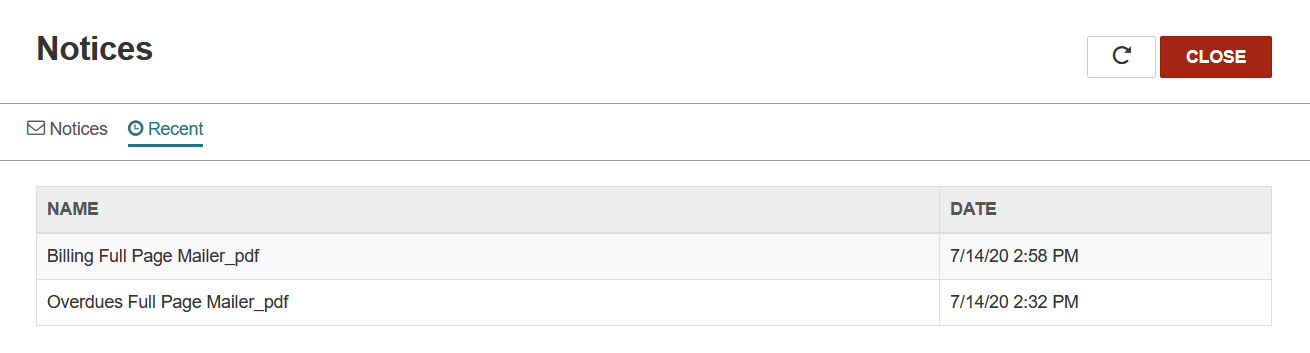
- Select Recent.
Leap displays the recently generated notice files.
Note:Leap displays the most recently generated notice file for each notice type. For example, if you generated overdue notices twice during the past 24 hours, only the most recent copy of the notice file is available.
-
Select the notice file you want to view or print.
The notice file opens in a preview window.
- To print notices, select the printer icon.
