
Print a Purchase Order
Note:
To print a purchase order, you need the Purchase Orders: Print purchase Orders permission in Polaris System Administration (web-based). For more information about purchase order permissions, see Acquisitions Permissions Reference.
To print a purchase order
-
On the Purchase Order workform, select ACTIONS > Print.
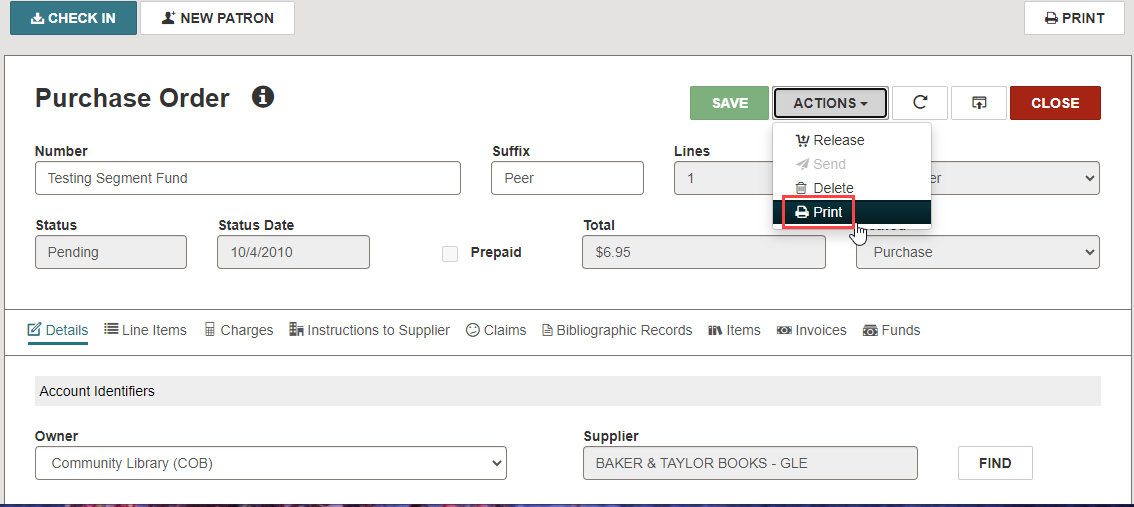
The Print Purchase Order Options dialog opens.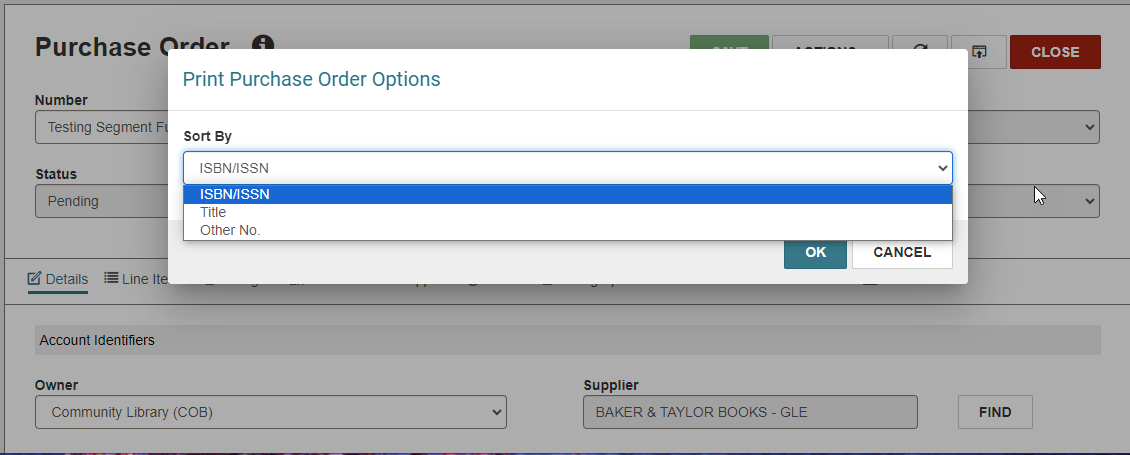
-
To sort the items in the printable PO by one of the following, select a sort option:
-
ISBN/ISSN
-
Title
-
Other No.
-
-
Select OK.
The printable PO appears in a new browser window.
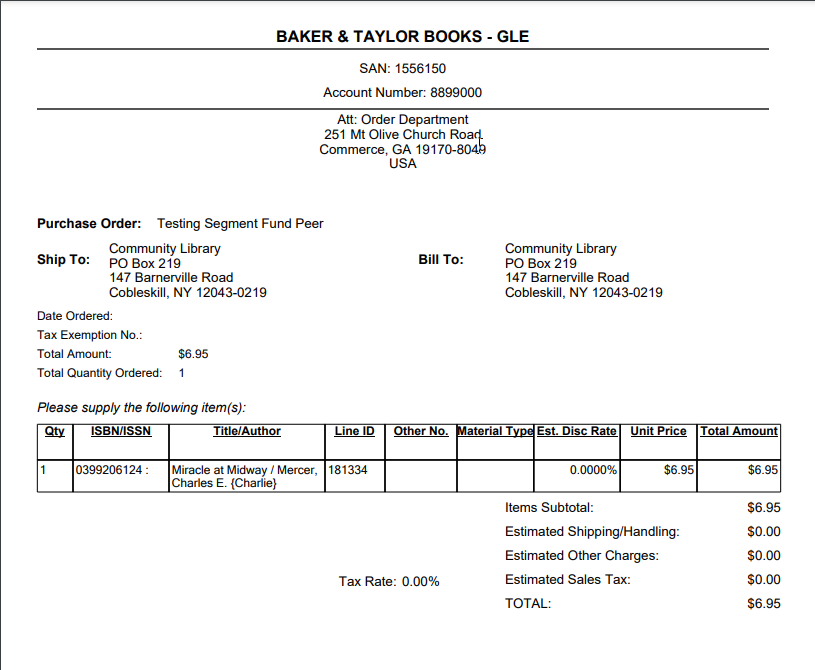
-
Select the print option from the new browser window to open your browser's print dialog.
