March 2026
Link Your Exhibition Site to a Primo Collection
A new option was added to showcase your Primo collections ton your exhibition site was introduced.
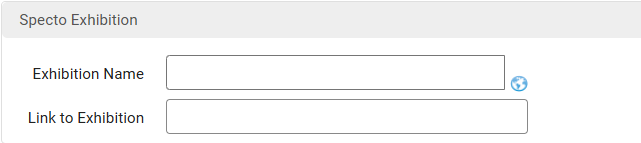
On the Alma Collection page select the collection you want to add. Navigate to the Discovery tab. A new section called Specto Exhibition has been added with the options:
Exhibition Name: a viewer-facing name for the exhibition
Link to Exhibition: a link that connects to the exhibition (validated as a proper URL)
After you link the collection and the exhibition, the Exhibition Name will appear as a selectable link in the Collection Summary pane. Selecting the link opens the exhibition in a new tab/window.
Highlights
-
An easier, more streamlined way to showcase Primo exhibitions
-
New options added to the Collection Summary Page
Apply Access Rights to viewer display in Alma
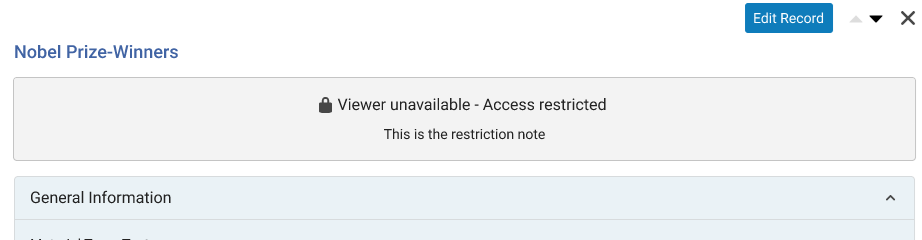
The embedded viewer and the link out to view any resource have the same Access Rights applied automatically, depending on the users role. So, there is no more need to link out the resource in order to apply the access right restrictions. If the user doesn't have access to the resource, a message will appear.
Highlights
-
Easier to share and collaborate with resources
-
More consistent behavior across the platform
-
Privacy and protection enhanced
-
Clear indication when the resource cannot be accessed
