
Configuring Fund and Ledger Fiscal Periods
- Acquisitions Administrator
- General System Administrator
A fiscal period is the financial year to which a fund or ledger applies. At the end of each period, you must roll over ledgers and PO lines to the next period. See Fiscal Period Closure.
You view and edit fiscal periods on the Fund And Ledger Fiscal Period Table mapping table (Configuration Menu > Acquisitions > General > Fund and Ledger Fiscal Period). For more information about mapping tables, see Mapping Tables.
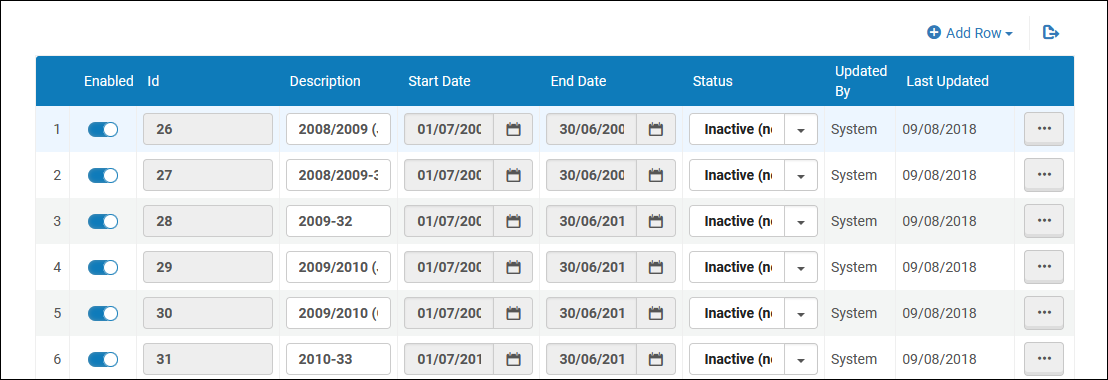
On this page you can edit only the description and status of a fiscal period. Note that the Draft,Closed and Inactive statuses are for informational purposes only as needed by the customer. When creating a new ledger, only Active fiscal periods are available for the ledger. The status does not affect whether a rollover job can be run on the fiscal period (see Rolling Over Ledgers).
You cannot activate or deactivate fiscal periods using the sliders, and you cannot add or delete fiscal periods. These form elements in this table have no effect.
Page tags: article:topicproduct:almacontent:Documentationlang:englishFiscal Periodadd fiscal periodedit fiscal period
