
Configuring License Term Controlled Vocabulary Values
To configure license terms, you must have the following role:
- Acquisitions Administrator
- General System Administrator
You can add, delete, and modify values for controlled vocabulary license terms that are defined in the Manage License Term page. These values appear as the drop-down values for a controlled vocabulary license term in the License Terms tab on the License Term Details page. See Managing Licenses Terms.
You manage controlled vocabulary license terms values on the License Term Controlled Vocabulary page (Configuration Menu > Acquisitions > Licenses > Manage License Terms).
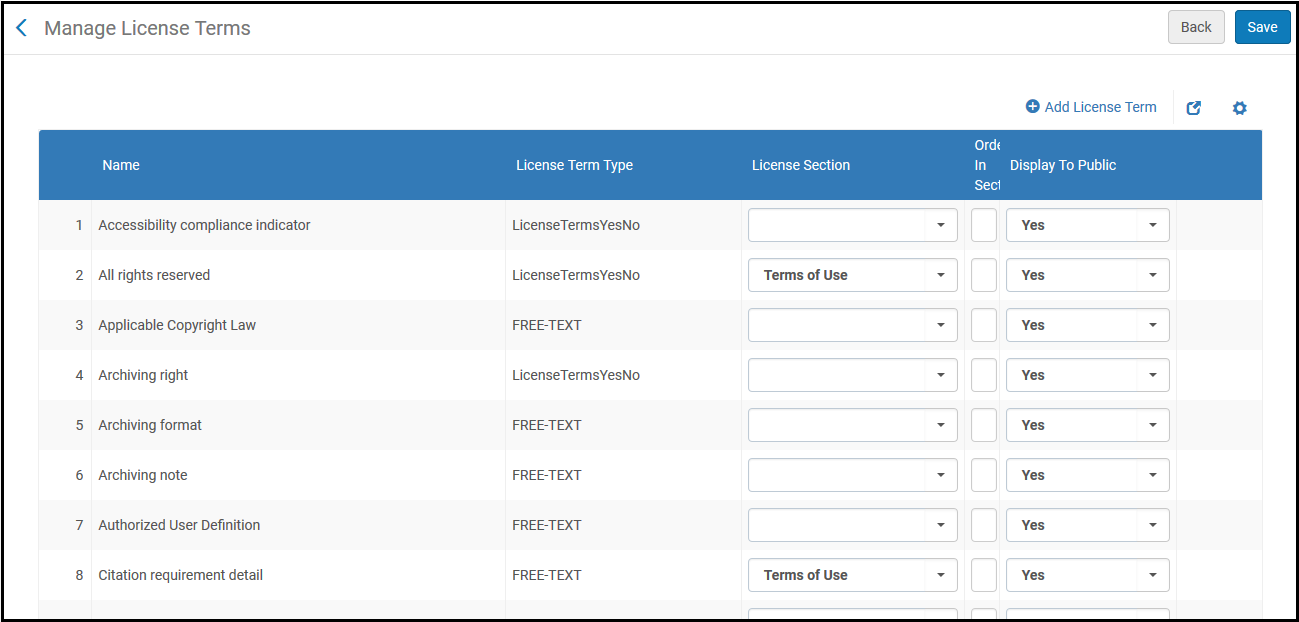
Manage License Terms Page
To add a controlled vocabulary value:
- Select Add Row. The following pop-up box appears:
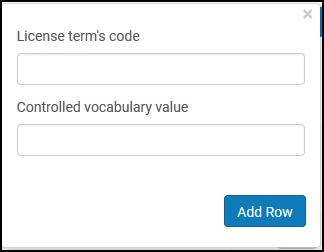
Add License Term Dialog Box - Enter the license term's unique Code.
- Enter a value that will appear in the drop-down list for this license term.
- Select Add Row. When you are done adding values, select Save.
Page tags: article:topicproduct:almacontent:Documentationlang:englishlicense termadd license termlicense term type
