
Configuring PO Line Cancellation Reasons
- Acquisitions Administrator
- General System Administrator
You can define PO line cancellation reasons that can be used when canceling PO lines. See Canceling PO Lines.
You configure PO line cancellation reasons on the PO Line Cancellation Reasons Code Table page (Configuration Menu > Acquisitions > Purchase Orders > PO Line Cancellation Reasons). For more information about code tables, see Code Tables.
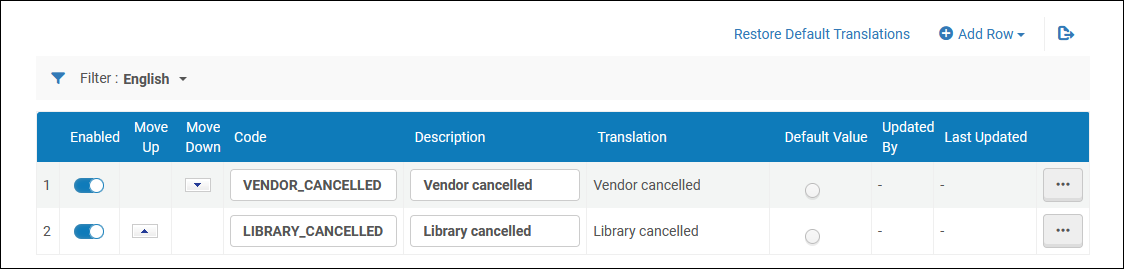
You can add, edit, or delete a cancellation reason. You can also activate/deactivate reasons, reorder how they appear in the drop-down list, and select the default reason.
Page tags: article:topicproduct:almacontent:Documentationlang:englishPO line cancellation reasonadd PO line cancellation reasonedit PO line cancellation reason
