
Configuring Invoice Disapproval Reasons
- Acquisitions Administrator
- General System Administrator
You can define reasons to use when sending an invoice back for review (Need Additional Review) while reviewing invoices waiting for approval. See Approving Invoices.
You configure disapproval reasons on the Invoice Disapprove Reasons code table (Configuration Menu > Acquisitions > Invoices > Disapprove Reasons). For more information about code tables, see Code Tables.
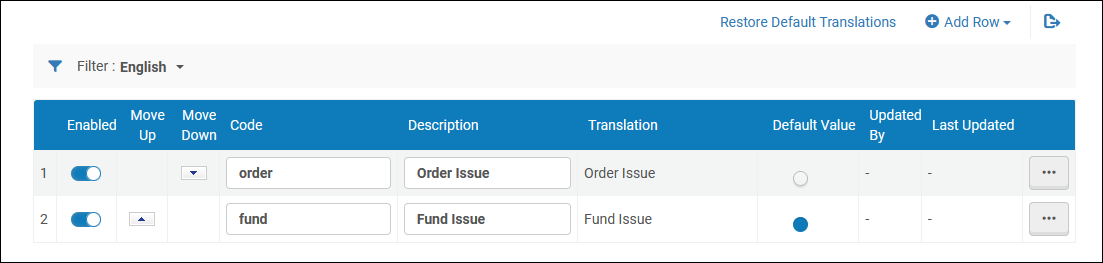
You can add, edit, delete, enable/disable, and reorder the reasons, and you can select the default reason.
Page tags: article:topicproduct:almacontent:Documentationlang:englishinvoice disapproval reasonadd invoice disapproval reasonedit invoice disapproval reason
