
Configuring License Storage Locations
- Acquisitions Administrator
- General System Administrator
You can define locations where license information is physically stored. These options appear wherever the License Location drop-down appears, such as when Adding a License.
You configure license storage locations on the License Storage Location Code Table page (Configuration Menu > Acquisitions > Licenses > License Storage Locations). For more information about code tables, see Code Tables.
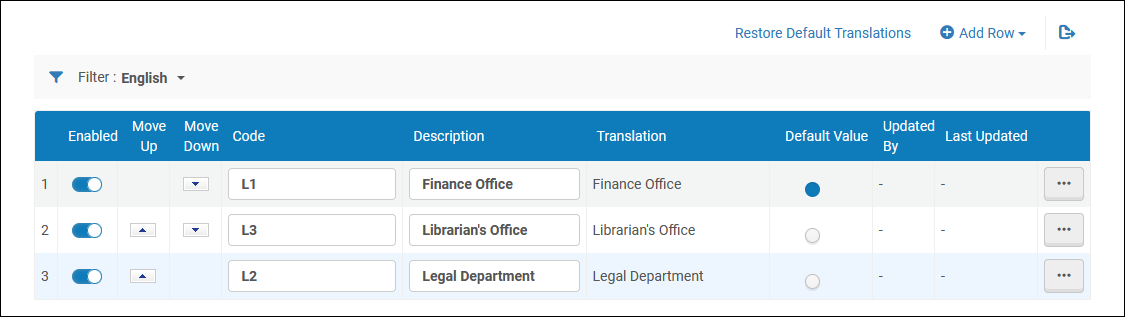
You can add, edit, or delete locations. You can enable or disable locations, change their order, and set the default location.
Page tags: article:topicproduct:almacontent:Documentationlang:englishlicense storage locationadd license storage locationedit license storage location
