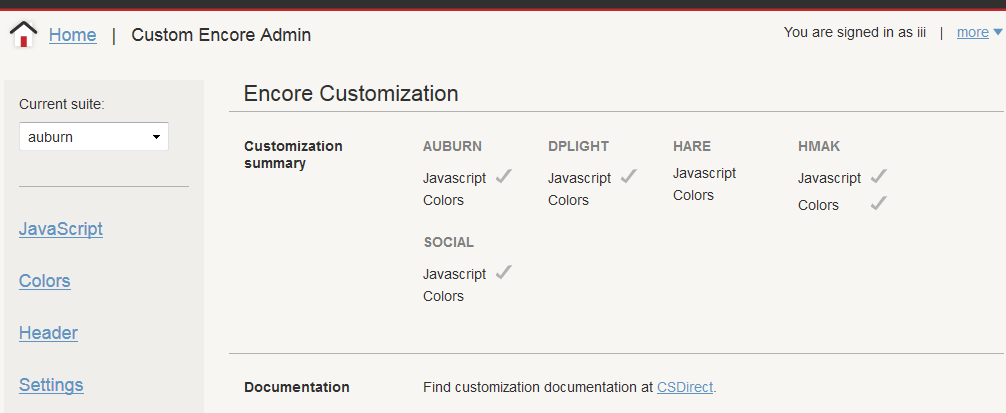
Using the Administration Application
The Administration Application enables you to configure a variety of Innovative Web applications. The configuration resources appearing in the Administration Application depend on the Innovative applications on your server.
When you log in, you can access some or all of the following Encore-related administration options.
In the Encore section:
In the Other Web Applications section:
For more information on the Administration Application, see Sierra Administration Application in the Sierra WebHelp.
Logins for the Administration Application
The Administration Application requires that your system administrator set up one or more logins to which the Administration Application is assigned.
Logging In to the Administration Application
You can log in to the Administration Application using a Web browser such as Firefox or Internet Explorer. By default, the URL is:
| Millennium Servers: |
http://<your Innovative ILS server>/iii/admin/ |
| Sierra Servers: |
http://<your Innovative ILS server>/sierra/admin/ |
Enter the username and password assigned to your login.
Navigating in the Administration Application
Each component in the Administration Application offers its options in a panel at the left side of the browser window and the application data in the main part of the window. For example: