
Estimate Fines for Checked Out Items
To estimate fines for checked out items
- Open the patron record.
- Select the Out/Overdue view.
Leap displays the patron's checked out items.
- Select one or more items, and select Estimate Fines.
The estimated fines appear.
Note:
The Estimated Fines dialog displays the amount owed for all items, not just the selected items.
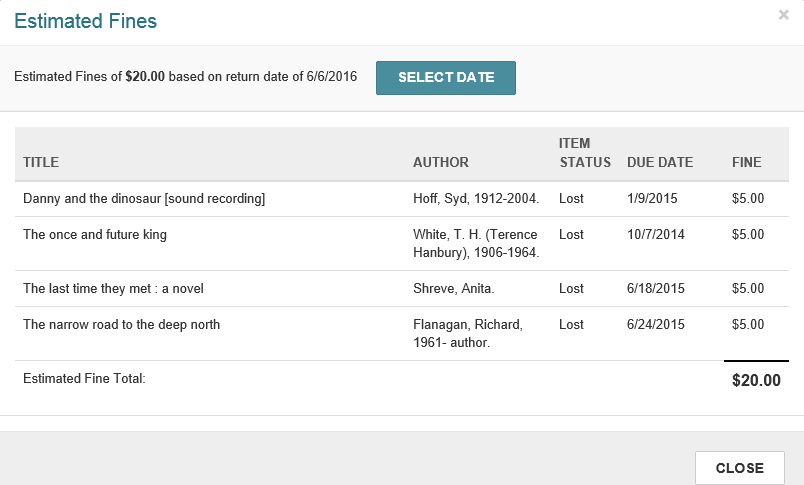
- To change the due date, click SELECT DATE, and select a different date from the calendar.
- Select CLOSE to close the dialog and return to the patron record.
Note:
If your library has opted to include lost and/or claimed items in the estimated fines calculation, you can also estimate fines from the Claims/Lost view.
