
Set a Special Renew Date or Loan Period
To set a special renew date or renewal loan period
- Open the patron record.
- Select the Out/Overdue view.
- Select an item in the list, and select Special Renew.
- Do one of these steps to set the special renewal:
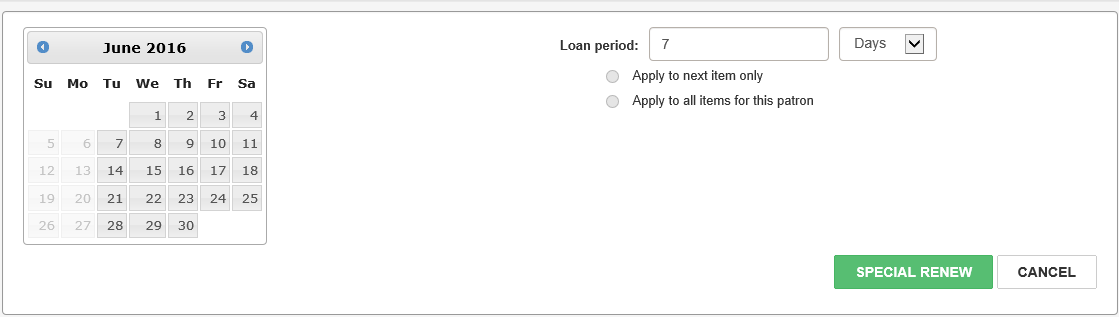
- Select a specific due date from the calendar.
- Specify a loan period other than the default setting of 7 Days by typing a different number in the Loan period box and selecting Days, Hours, or Minutes.
- (Optional) If you want the loan period to apply to other items for this patron, select Apply to next item only or Apply to all items for this patron.
- Select SPECIAL RENEW.
Leap displays the patron's checked out items.
The area below the button bar expands.
Leap renews the item for the period specified.
See also:
