
Viewing and Opening Record Sets for a Patron Record
You can view a list of the record sets to which a patron record belongs on the Record Set view of the Patron Record workform.
To see the record sets that a patron record belongs to
- Open the Patron Record workform.
- Select More > Record Sets.
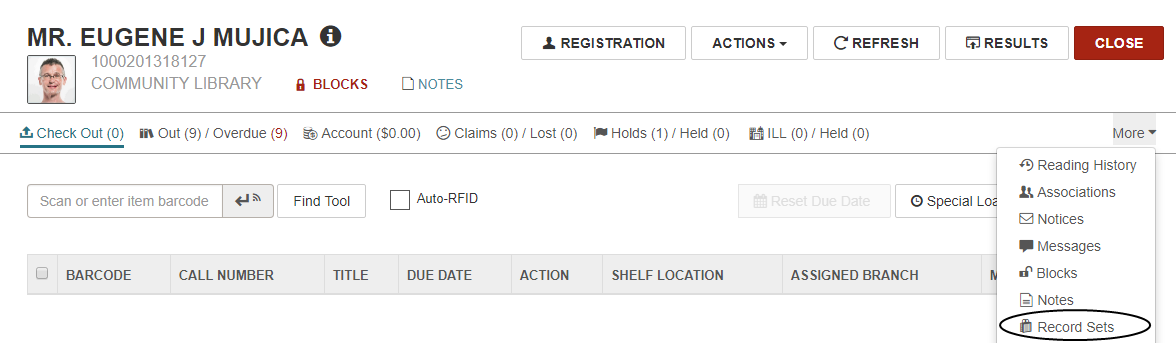
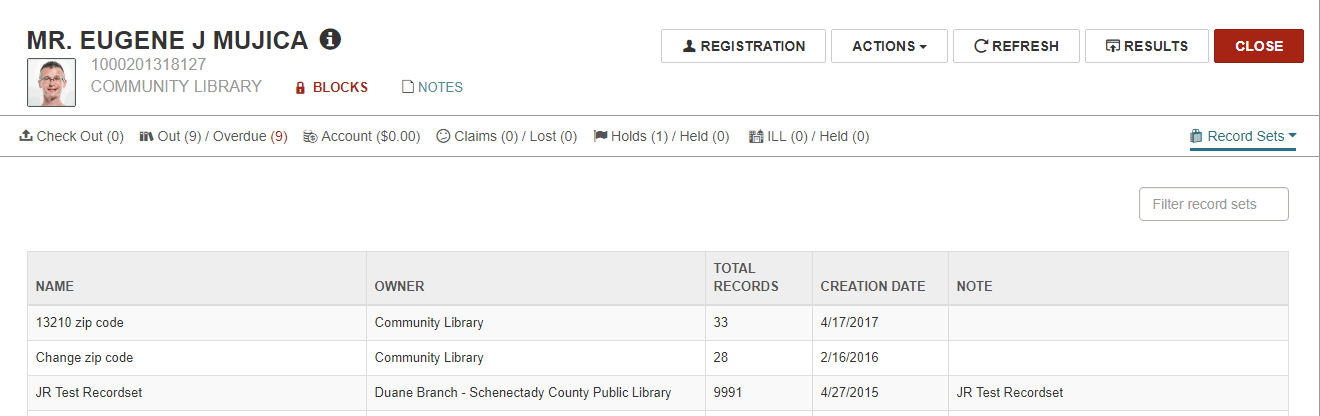
The Record Sets view appears.
Note:
You can type in the Filter record sets box to filter the list of record sets.
- To open a patron record set listed in this view, select a row.
The Patron Record Set workform opens for the selected record set.
