
Use the Find Tool to Search for a Patron
To search for a patron using the Find Tool
- Sign in to Polaris Leap.
The Circulation page opens.
- Select FIND.
The Find Tool opens with Bibliographic Record selected as the search database.
- Select Patron to change the search database.
- Enter the search criteria.
As you type, automatic suggestions appear.
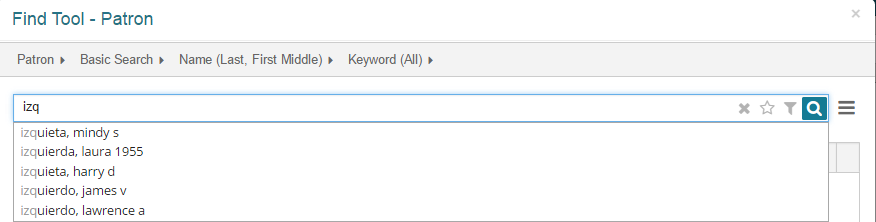
- Open the patron record:
- If the patron is listed in the automatic suggestions list, select the patron, and select OPEN.
- If the patron is not listed in the automatic suggestions, select
 to search, then select the patron in the search results and select OPEN.
The patron's record opens.
