
Setting Scheduling Hours
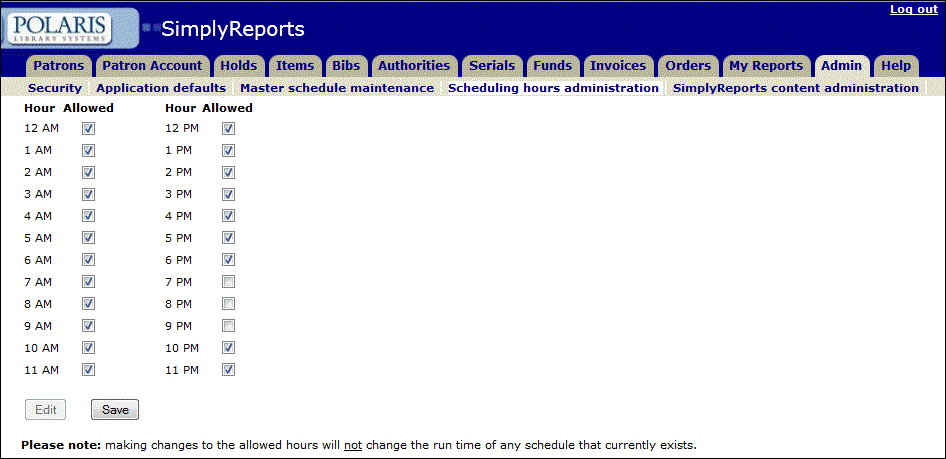
Use the Scheduling hours administration page to set the hours when reports can be run. Changes to this page do not affect reports that are already scheduled to run.
To set the hours when reports can be run
- Select the Admin tab, and select the Scheduling hours administration subtab.
- Click
 at the bottom of the page to enable the checkboxes.
 - Do one of the following:
- To allow reports to run during the hour listed, select the checkbox in the Allowed column.
- To prevent reports from running during the hour listed, clear the checkbox in the Allowed column.
- Click Save.
Note:
Making changes to the allowed hours does not change the run time of any schedule that already exists.
