
Copy an Invoice
You can copy an invoice in Leap if you have the Invoices: Create permission in Polaris System Administration (web-based). For more information about invoice permissions, see Acquisitions Permissions Reference.
To copy an invoice
- Find the invoice you want to copy, and open it in the Invoice workform.
-
Select ACTIONS > Copy.
The New Invoice workform appears with the values from the original invoice.
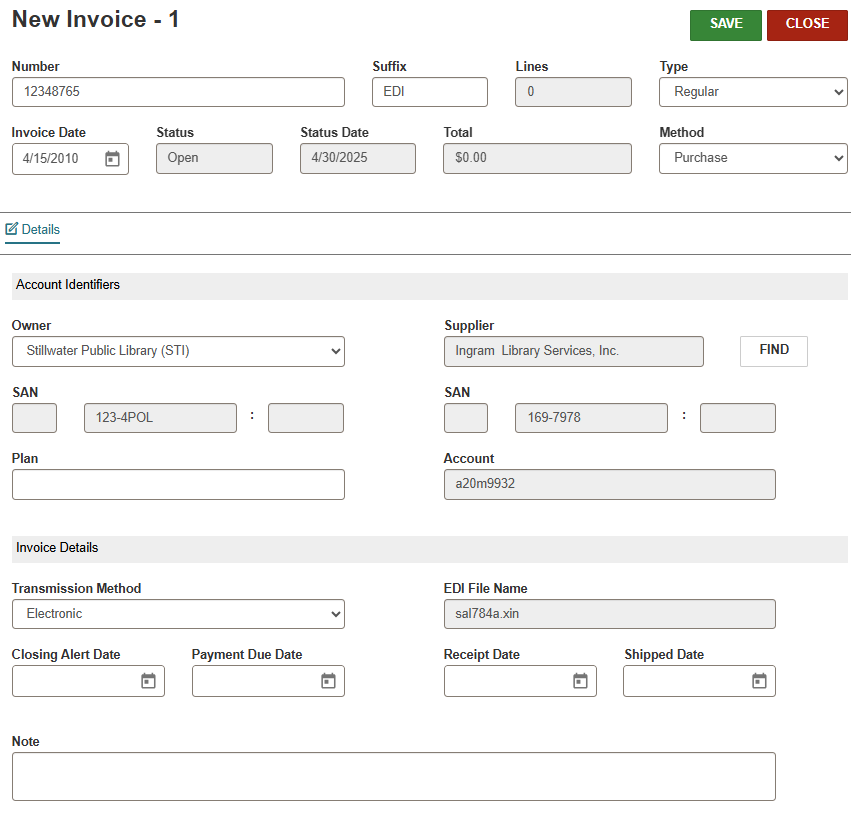
- Change at least one of the following values:
- Number
- Suffix
- Type
- Supplier
- (Optional) Change values in the other fields.
-
Select SAVE.
Leap opens the Invoice Workform for the invoice you just created.
