
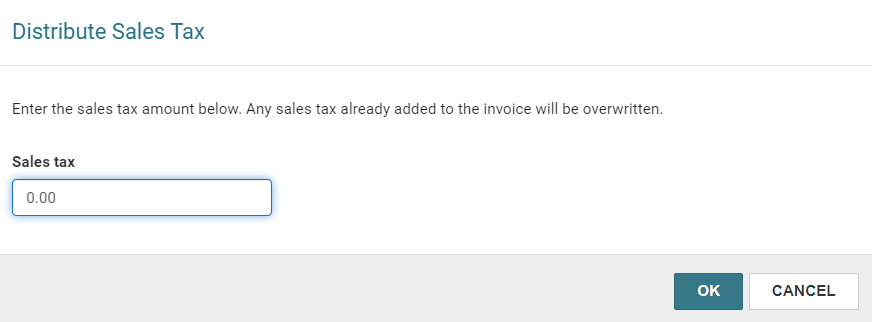
Distribute Sales Tax
All segments on the invoice must be received before you can enter a tax amount for the invoice. Also, any charges, credits, or discounts must be distributed before you distribute the tax.
To enter a sales tax amount for the invoice
-
Find the invoice you want to edit, and open it in the Invoice workform.
-
Select ACTIONS > Distribute Sales Tax.
-
Enter the sales tax amount to add to the invoice.
-
Select OK.
The Distribute Sales Tax dialog appears.
The amount is converted to a rate (percentage), any other tax rate or amount is overwritten, and the rate is applied to all the items.
To manually adjust taxes, go to the Invoice Line Item workform > Segments view > Totals table, and edit a row. For more information, see Edit an Invoice Line Item.
