
View Estimated Fines for Claimed and Lost Items
To view the items that were claimed or declared lost for a patron
- Open the patron's record, and select Claims/Lost.
A list of the patron's claimed or lost items appears.
- Select the item or items for which you want to estimate fines.
- Select the estimate fines button.
The Estimate Fines dialog opens.
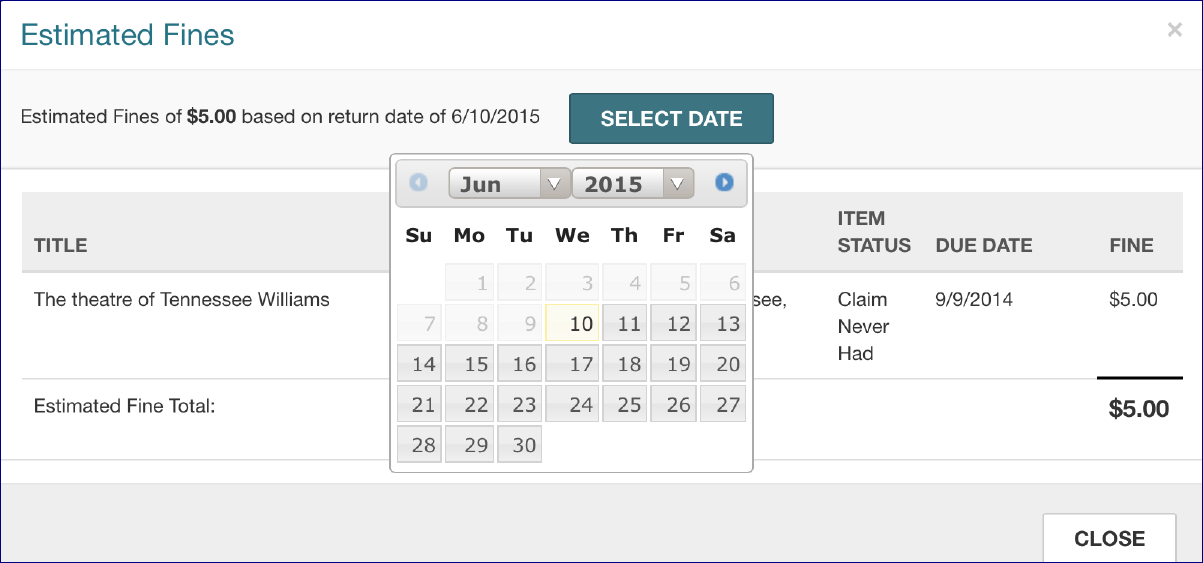
- To see fines based on a different return date, select the SELECT DATE button and select another date. The estimated fine amount changes.
- Select CLOSE to close the dialog.
