
Change a Claimed Item to a Status of Lost
You can change a claimed item to a status of Lost from the Claimed/Lost view of the patron's record.
To change a claimed item (Claim Never Had, Claim Returned/Accruing, Claim Missing Part) to a status of Lost
- Open the patron's record.
- Go to the Claims/Lost list.
- Select a claimed item in the list.
- Select the Declare Lost button.
The Declare Lost dialog opens.
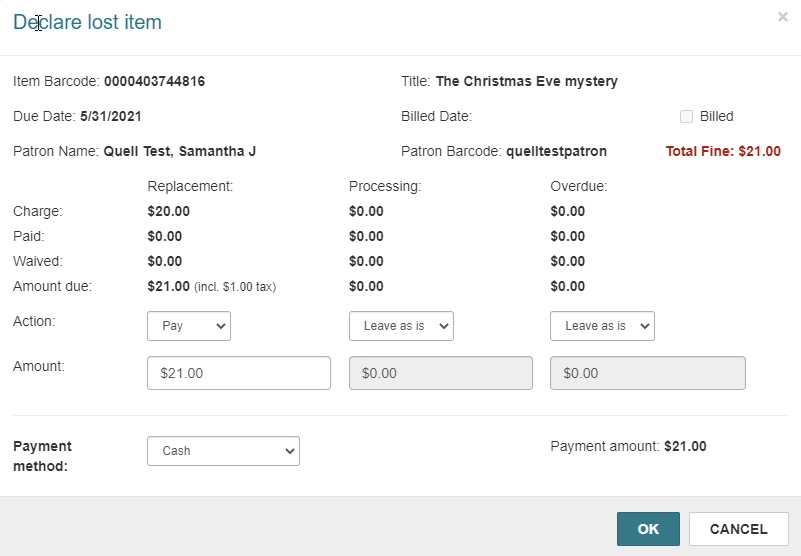
- Specify the action to take for each charge.
- Select OK.
Depending on your selections in the dialog, the Claims/Lost view displays the description Lost/Unpaid or Lost/Accruing.
