
Accessing the A-Z List
To access the A-Z List, type the following URL in your Web browser:
http://<sfx_server>:<port>/<instance>/az/
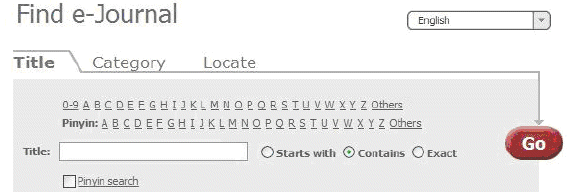
The following parameters can be added to the A-Z List URL:
- lang=<3digit_language_code>
This parameter is used to present the appropriate language A-Z List. The accepted three-digit language codes are all ISO 639-2 three-letter codes (plus chi-simplified and chi-traditional). Information and a list of codes can be found at: http://www.loc.gov/standards/iso639-2/
For example: http://demo.exlibrisgroup.com:3210/demo/az/?lang=eng
- embedded=<ExL_product>
This parameter is used to embed the SFX A-Z List in the MetaLib iframe. Set the value of <ExL_product> to be ML. When included in the URL, SFX removes the top banner, title, and language bar from the SFX A-Z List. These elements of the A-Z List are not displayed, since they are provided by the MetaLib interface in which the SFX A-Z List is embedded.
For example: http://demo.exlibrisgroup.com:3210/demo/az/?embedded=ML
