
Accessing the Journal Search
To access the Journal Search, type the following URL in your Web browser:
http://<sfx_server>:<port>/<instance>/JournalSearch
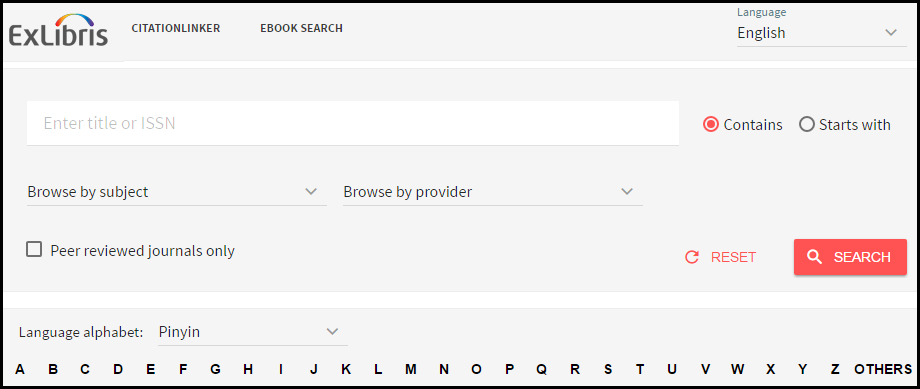
The following parameters can be added to the Journal Search URL:
- lang=<3digit_language_code>
This parameter is used to present the appropriate language Journal Search. The accepted three-digit language codes are all ISO 639-2 three-letter codes (plus chi-simplified and chi-traditional). Information and a list of codes can be found at: http://www.loc.gov/standards/iso639-2/
For example: http://demo.exlibrisgroup.com:3210/demo/journalsearch/?lang=eng
- embedded=<ExL_product>
This parameter is used to embed the SFX Journal Search in the MetaLib iframe. Set the value of <ExL_product> to be ML. When included in the URL, SFX removes the top banner, title, and language bar from the SFX Journal Search. These elements of the Journal Search are not displayed, since they are provided by the MetaLib interface in which the SFX Journal Search is embedded.
For example: http://demo.exlibrisgroup.com:3210/demo/journalsearch/?embedded=ML
