
Creating PubMed External Lookups
- Choose External Lookups from the menu on the left-hand side of the WebBridge LR home page.
The External Lookups tab displays: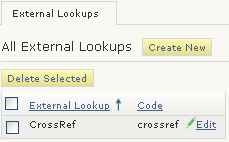
- Choose the Create New button.
The External Lookup (new) tab displays: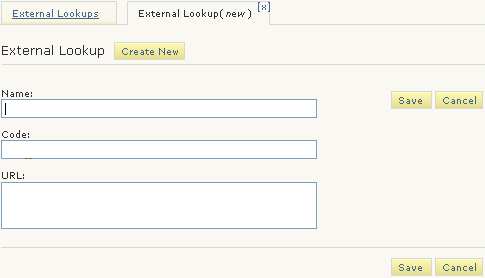
- In the Name text box, enter:
PubMedID - In the Code text box, enter:
pubmed
The code determines which mapping file the WebBridge LR resolution server uses. - In the URL text box, enter:
http://www.ncbi.nlm.nih.gov/entrez/eutils/efetch.fcgi?db=pubmed&id=#@PMID#&retmode=xml
The URL contains the field selector #@PMID#. You must create this field selector.NOTE
This URL appears on multiple lines for display purposes only.
Enter the URL in the text box without line breaks.
If you cut and paste a URL, you can introduce line breaks that prevent the URL from functioning. Remove line breaks from any URL that you paste into the text box.
- Choose Save.
