
Request the Same Title for Multiple Patrons
To request the same title for multiple patrons
- Create a patron record set that contains the patrons who want to request the title.
- Navigate to the Patron Record Set page for the patron record set you just created.
-
Select ACTIONS > Create Multiple Holds.
-
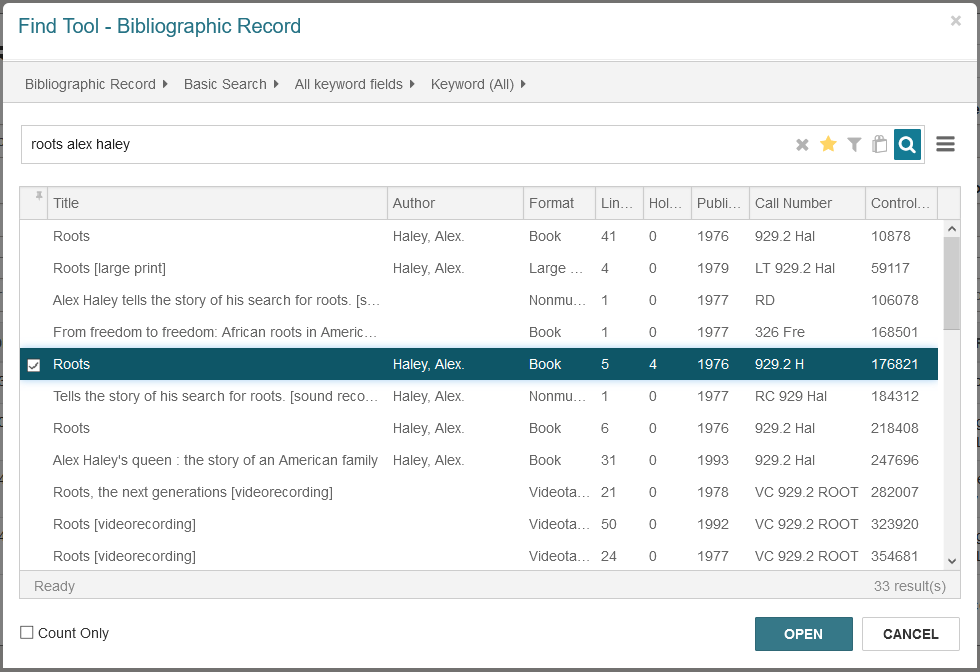
Search for the bibliographic record you want to request.
-
Select a title, and select OPEN.
The Create Multiple Holds page appears.
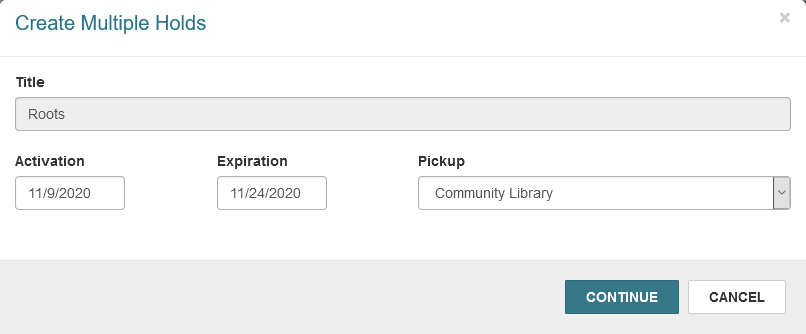
- Select the Activation field to select a hold request activation date.
- Select the Expiration field to select a hold request expiration date.
-
Specify the hold request pickup location(s) by doing one of the following:
- To set the pickup location to the same branch for all hold requests, select a pickup location from the Pickup list.
-
To set the pickup location to each patron's preferred pickup location, select Patron's Preferred Location from the Pickup list.
Notes:
- The Patrons Preferred Location option appears only if the "Web App: Use patron's preferred branch for multiple holds from record set" parameter is enabled in Polaris Administration. For more information, see "Request Parameters Reference" in the Polaris staff client help.
- If a patron has not set a preferred pickup location, the patron's registered branch is used to place the request. The registered branch is also used if the patron's preferred pickup location is excluded via the Hold options > Pickup > Pickup branches to exclude in PAC when creating requests setting in Polaris Administration and the Exclude selected branches in staff client setting is also enabled.
- Patrons can specify their preferred pickup location in PowerPAC.
-
Select CONTINUE.
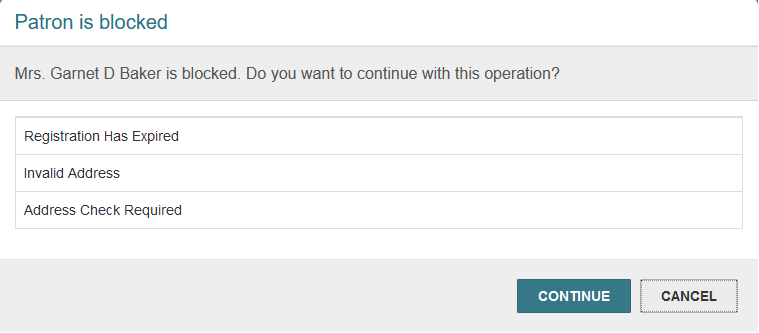
Leap attempts to place the hold requests. If a patron is blocked, Leap displays a message.
-
If necessary, select CONTINUE or CANCEL to dismiss any patron block messages.
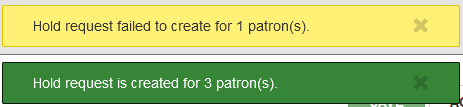
Leap displays messages summarizing the results of the attempt to place multiple hold requests.
The Bibliographic Record Find Tool page appears.
