Changing Patron Record Information
The patron account page includes links that open forms to modify:
Edit Account
The Edit Account button opens the Modify Patron Information form. For example:
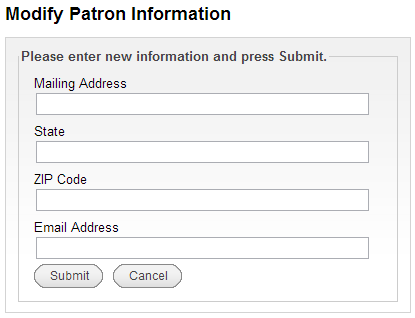
This form enables patrons to modify contact information such as address, phone number, email address, and the default pickup location for requests (home library). Your organization controls which patron record fields patrons can modify. If your organization uses My Account, the patron also can select the method by which he or she is notified of the arrival of new titles that match his or her Preferred Search specifications.
If your library uses SMS Alerts, the patron can opt in or out of SMS alerts through this form. If your library uses Sierra SMS, patrons can view whether they are opted-in, but they cannot opt in or out using this form.
Edit PIN
PINs
Encore requires valid PINs to satisfy specific requirements. See Using PINs in the Sierra WebHelp for more information.
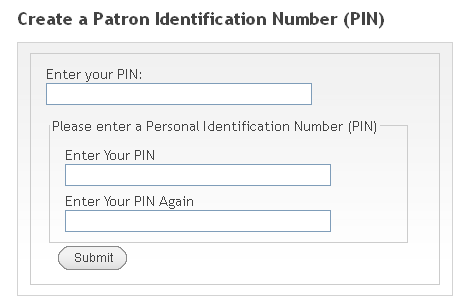
The Edit PIN link opens a form that enables patrons to create or modify their personal identification numbers (PINs). For example:
Edit Display Name
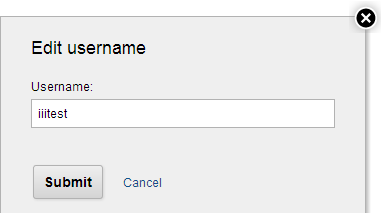
The Edit display name link opens a form that enables patrons to change their user names (display names). For example: