
Managing eContent
From the patron account page, patrons can view a list of eContent checkouts and holds. For example:
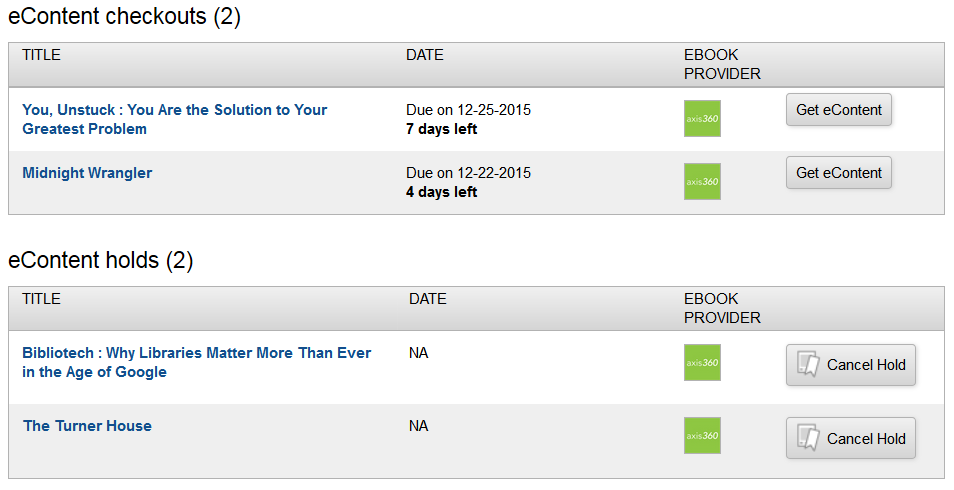
Each item title is a link to the corresponding record detail page.
The DATES column displays the date and time of checkout, and the days remaining in the loan period. For holds, this column shows the date and time the hold was placed and availability information, when applicable.
The EBOOK PROVIDER column displays the ebook provider, such as cloudLibrary, OverDrive, or Axis 360.
The Check In link checks in the item.
The Cancel hold link cancels the hold. eContent holds cannot be frozen.
